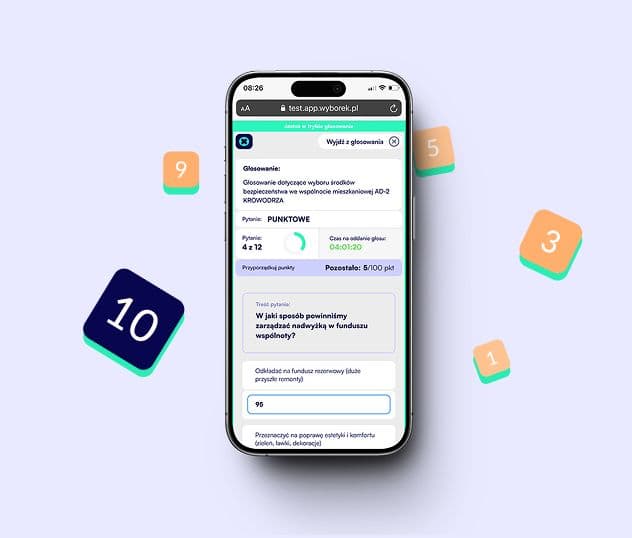
First event from scratch. Complete setup guide in Wyborek.
How to configure an event, add participants, set up secret and open voting, launch a video conference and finish the meeting with a PDF report. Step by step, from a new account to a ready event.
Filter:

Secret or open voting? Which voting mode to choose and when.
The differences between modes, when voting secrecy is required, and how to configure a proxy and vote changes.
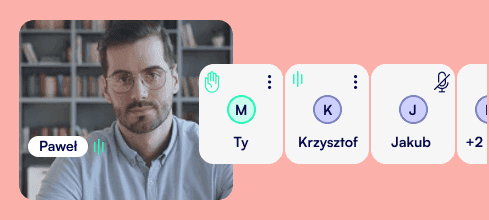
Video conferencing in Wyborek: how does it work and how much does it cost?
Pay-as-you-go model, cost calculator, screen sharing and group chat.
How to invite participants: email, SMS or a one-time code?
A comparison of authorization methods, when to use an administrator-generated code and when to use a public link.
PDF report after voting: what does it include and when is it needed?
Which data goes into the report, who can download it, and the difference between online preview and PDF export.
Quorum in Wyborek: how is it calculated and what happens if it is not met?
Automatic quorum calculation, shares in voting, and the difference between quorum and vote majority.
Agenda in Wyborek: how to divide a meeting into items and stages?
Creating an agenda, exporting it to PDF, and how participants follow live progress in the PWA app.
How does a participant join a vote? The PWA view.
What a participant sees after clicking the invitation link, how authorization works, and how voting looks on a phone.