Meetings with structure

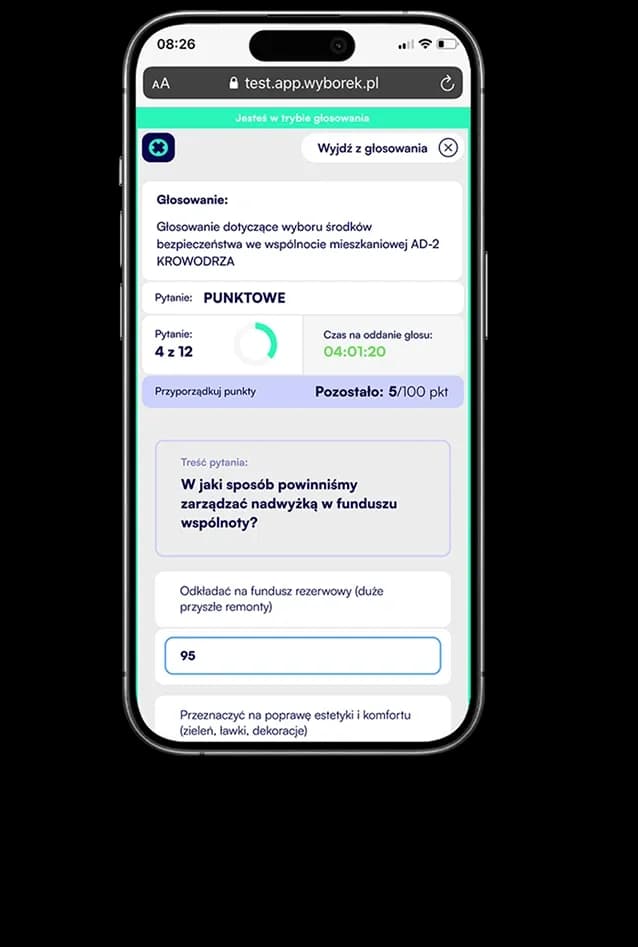
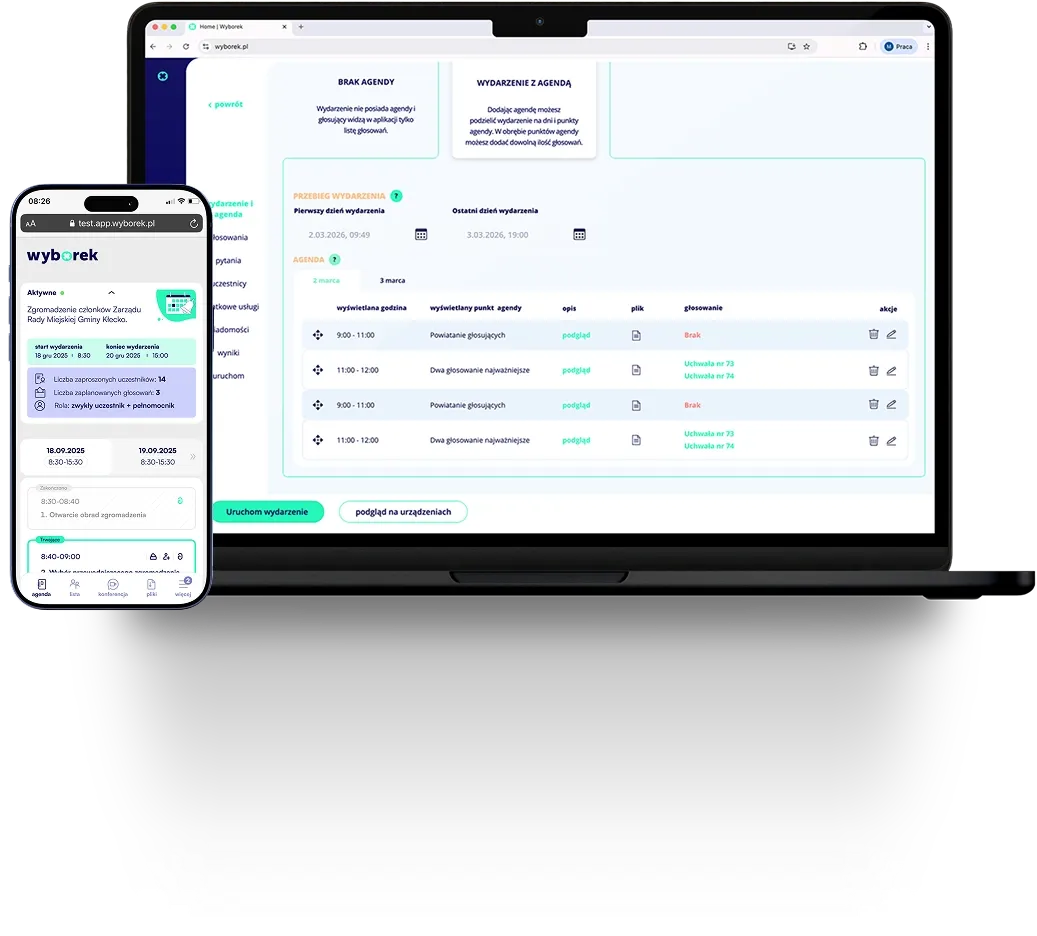
Design a precise scenario for every meeting, from short briefings to complex, multi-day meetings of statutory bodies. Assign votes intuitively to specific agenda items and guide participants step by step through the entire schedule, giving them full process transparency and instant access to documents.

Image
Image
How it works

Every agenda item, exactly as you need it, created in a few simple steps.

A complete information package for every event participant.

Image
Configuration

Name, schedule and fill in every item in one CRM form

Define the displayed item name, start and end time, assign votes from the list, add contextual description and attach files, all in one place before the meeting starts. What you enter is visible to participants in their app in real time.
Image
Agenda schedule

A multi-day schedule that keeps order

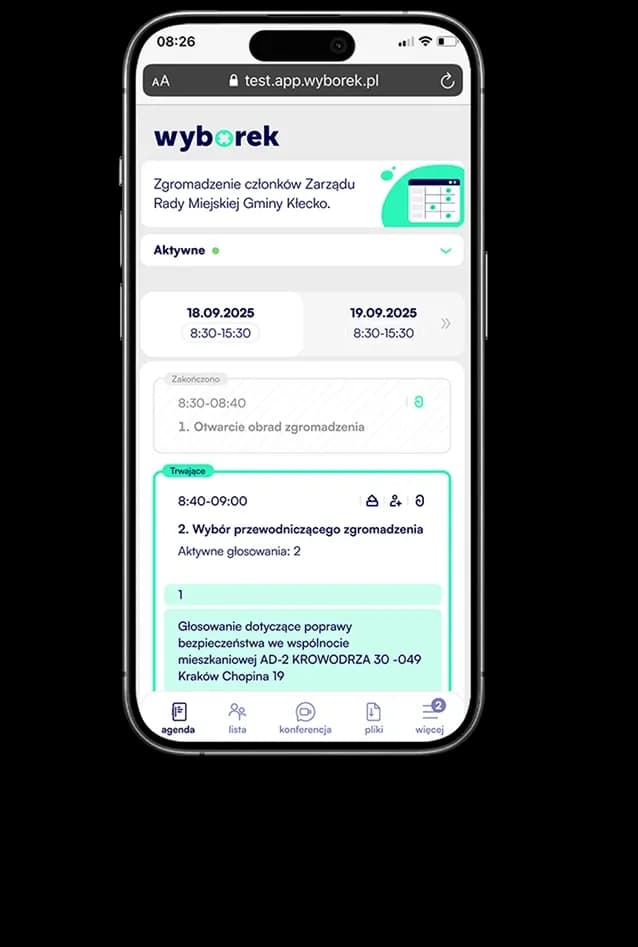
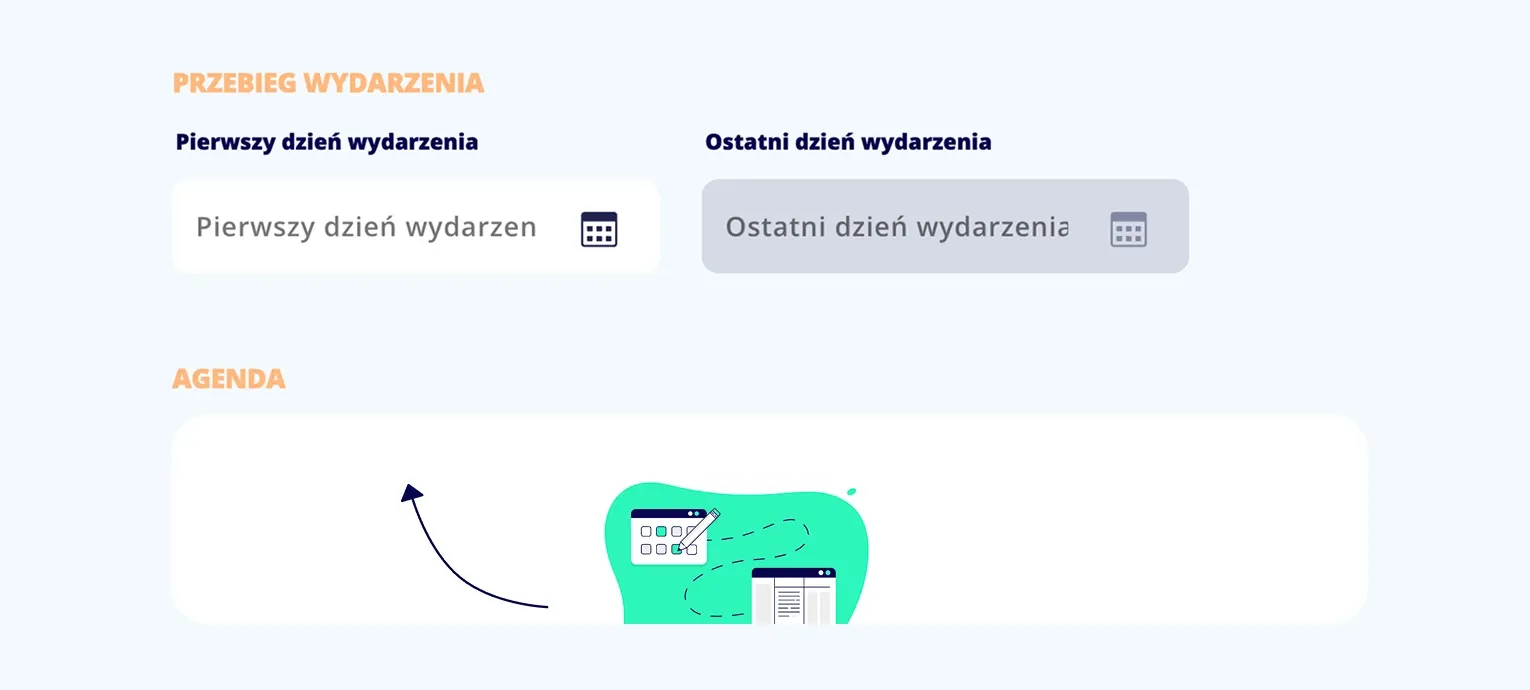
Divide the event into days and set the time frame for each item. Participants and organizers always know what is being discussed now, what is already behind them and what is still ahead, without questions or chaos.

Image
Agenda item duration

Precise time frames for every stage

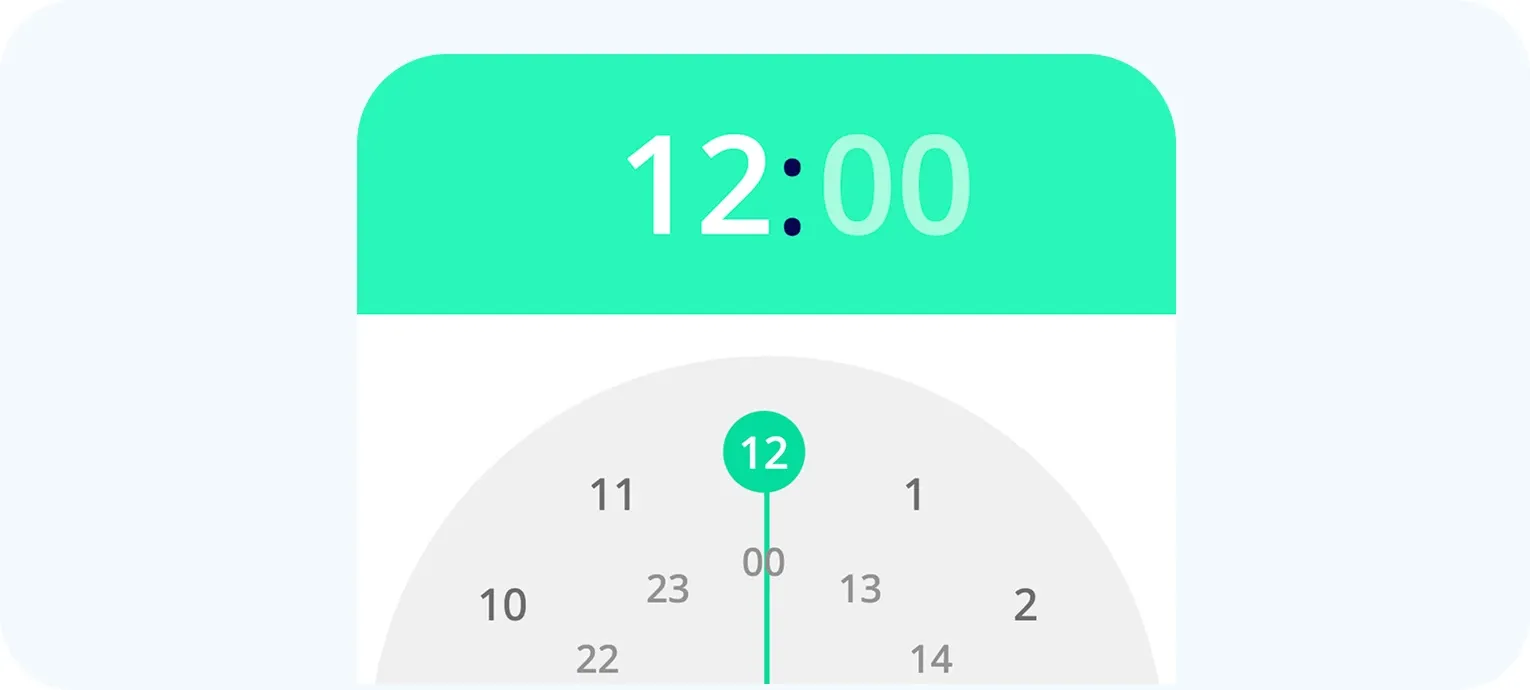
Set the exact start and end time for each agenda item separately. With intuitive time selectors in the CRM, you can quickly plan a single resolution or discussion and give participants clear information on how much time is planned for that item.

Image
Voting

The right resolutions at the right moment

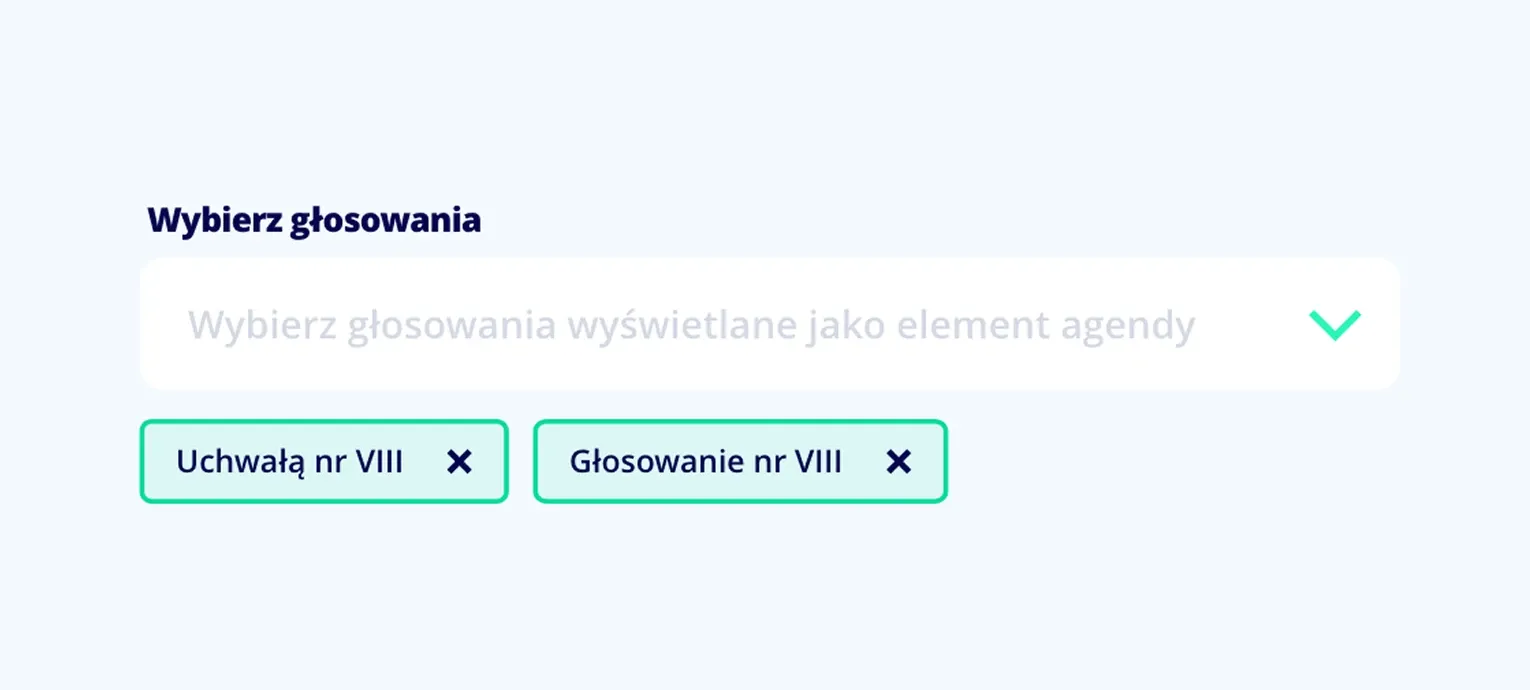
Assign any number of votes to a specific agenda item: open, secret, with proxy or quorum. They appear to participants automatically when the organizer activates the item. No searching, no mistakes.

Image
Documents

Attachments where you need them, not in an email from last week

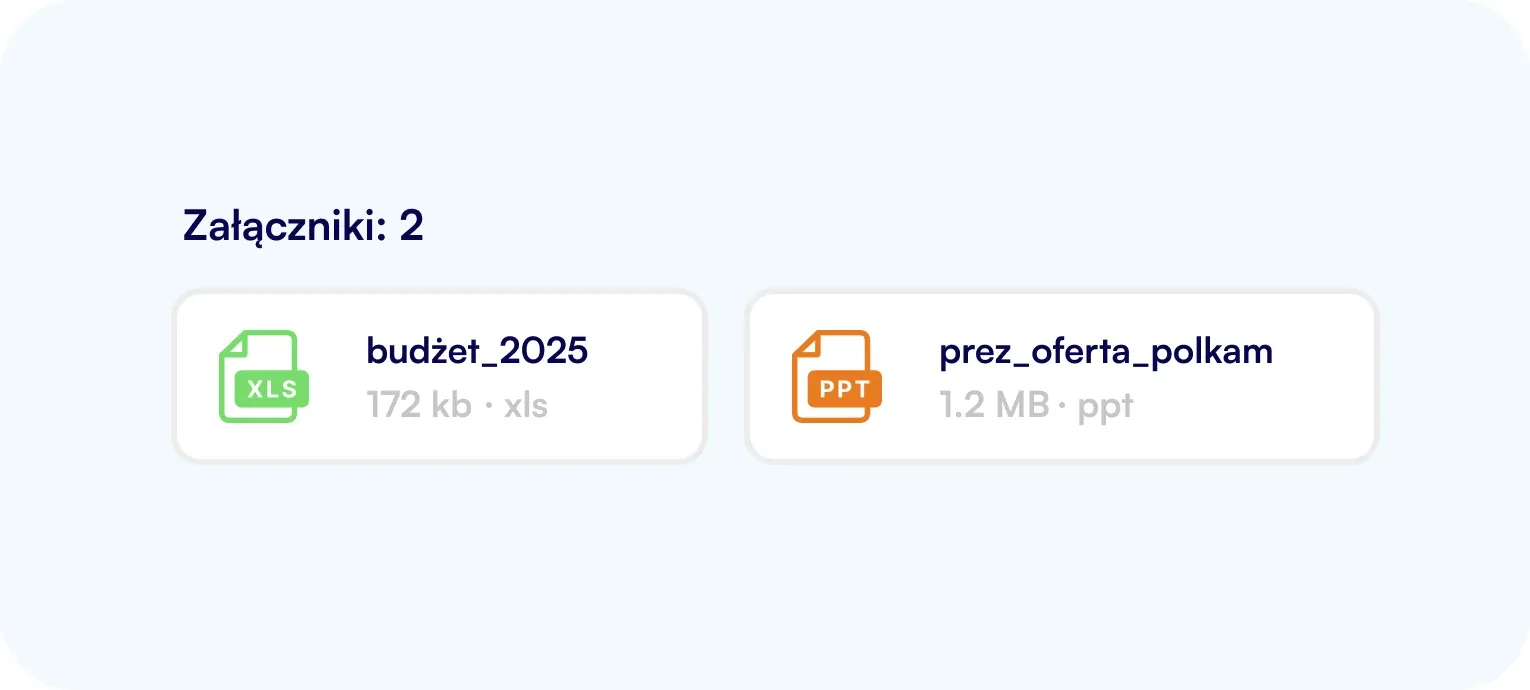
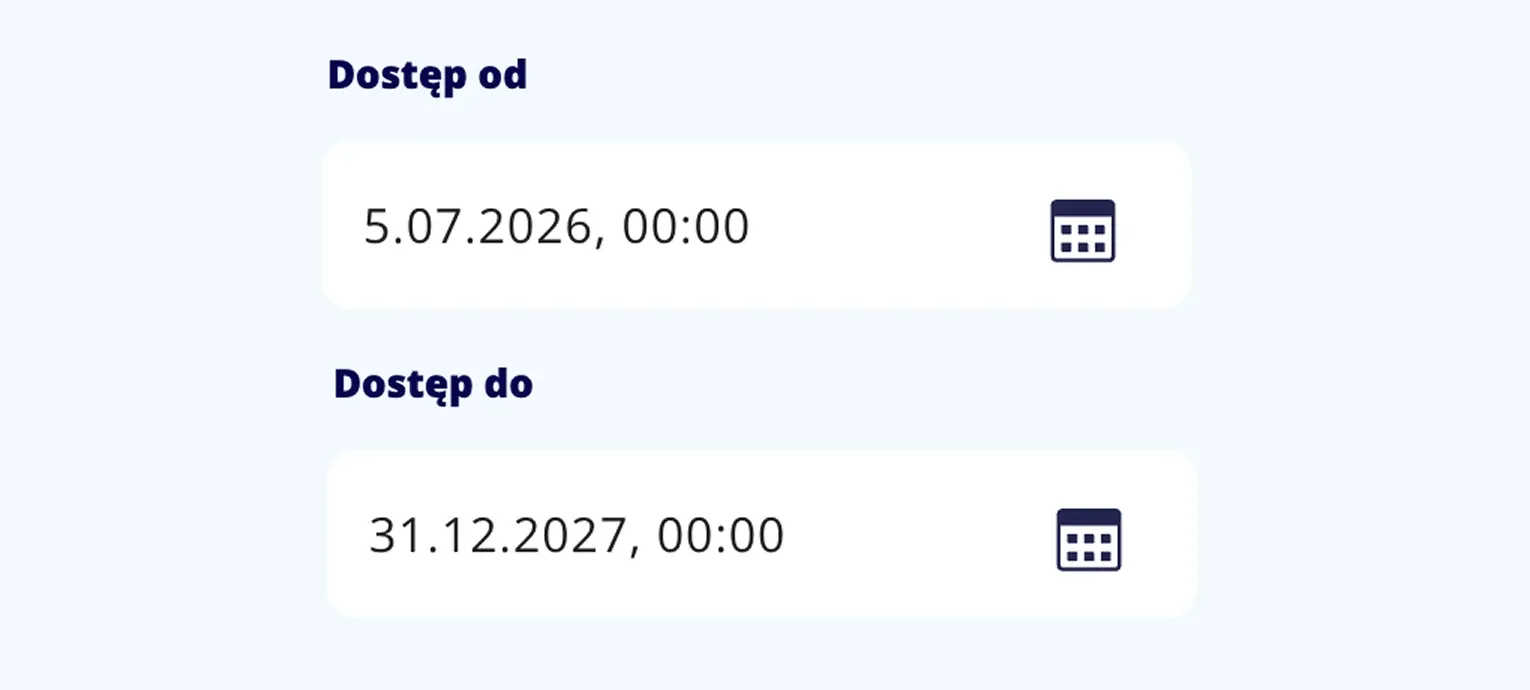
Attach files to each agenda item: resolutions, regulations, financial statements. Participants open them with one click exactly when the item is being discussed. No more searching for the PDF that was sent earlier.

Example event scenarios

See where the agenda feature can be used

Every event has different needs. Below are three example configurations that you can recreate in a few minutes.

Example scenario:

General meeting

Event

Authorization

email + SMS

Communication

video conference

Agenda

1 day

Voting

Voting type

survey + yes/no

Mode

public

Proxies

yes

Report

yes

Limited liability companies

Joint-stock companies

Cooperative banks


Run formal resolution votes with full documentation and automatic quorum counting.

Image

Example scenario:

Board meeting

Event

Authorization

email + SMS

Communication

video conference

Agenda

1 day

Voting

Voting type

survey + yes/no

Mode

public

Proxies

yes

Report

yes

Supervisory boards

Management boards

Committees


Recurring meetings with secret voting and a long access window for materials before the session.

Image

Example scenario:

Satisfaction survey

Event

Authorization

email + SMS

Communication

video conference

Agenda

1 day

Voting

Voting type

survey + yes/no

Mode

public

Proxies

yes

Report

yes

HR departments

Housing communities

Organizations


Anonymous surveys with an open link - no participant list and no authorization setup.

Image
Everything you need

See other features

Image
Image
10
9
5
3
1

Create your first events

Test Wyborek with

2 free events