Voting you can trust

Run professional open and secret votes, fully adapted to the legal and statutory requirements of your organization. Use intelligent mechanisms for automatic quorum calculation, vote weight assignment and proxy handling in real time.

Image
Image
HOW IT WORKS

Every vote — configure it as your statutory regulations require.

Full control over the process, quorum, and results in real time.

Image
Configuration

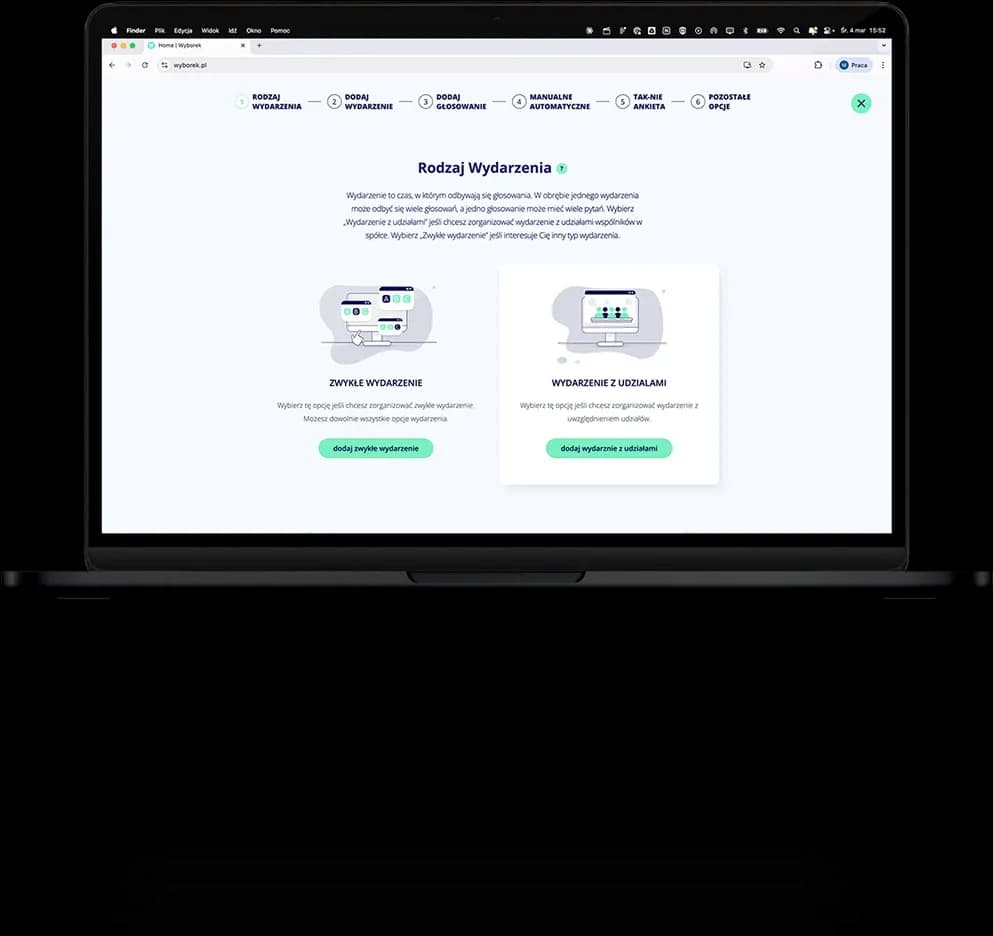
Choose the voting type

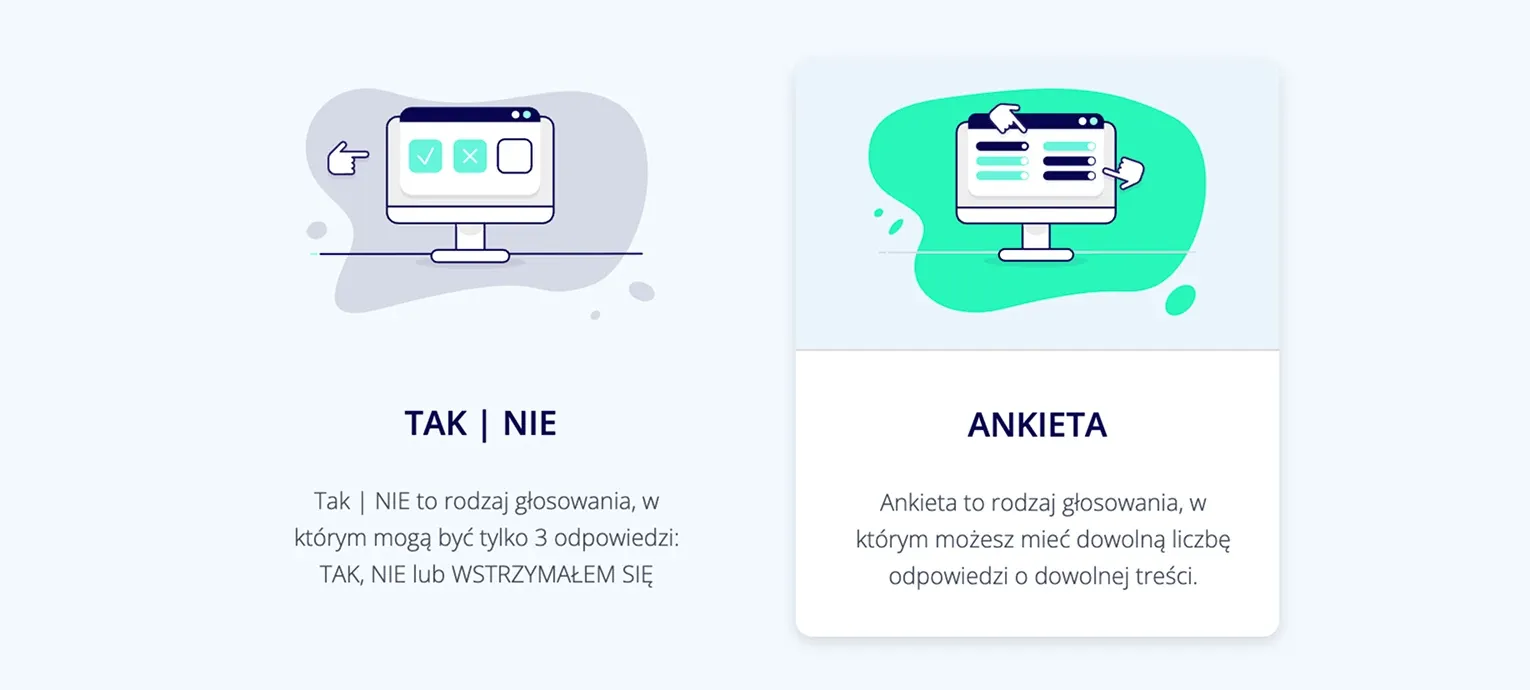
Name your vote, then choose the voting type. A YES-NO vote gives participants three options: yes, no and abstain. It is the best type of voting, for example, for resolutions. A survey vote works well when you want to add more than three answers and freely edit their content.
Image
Launch

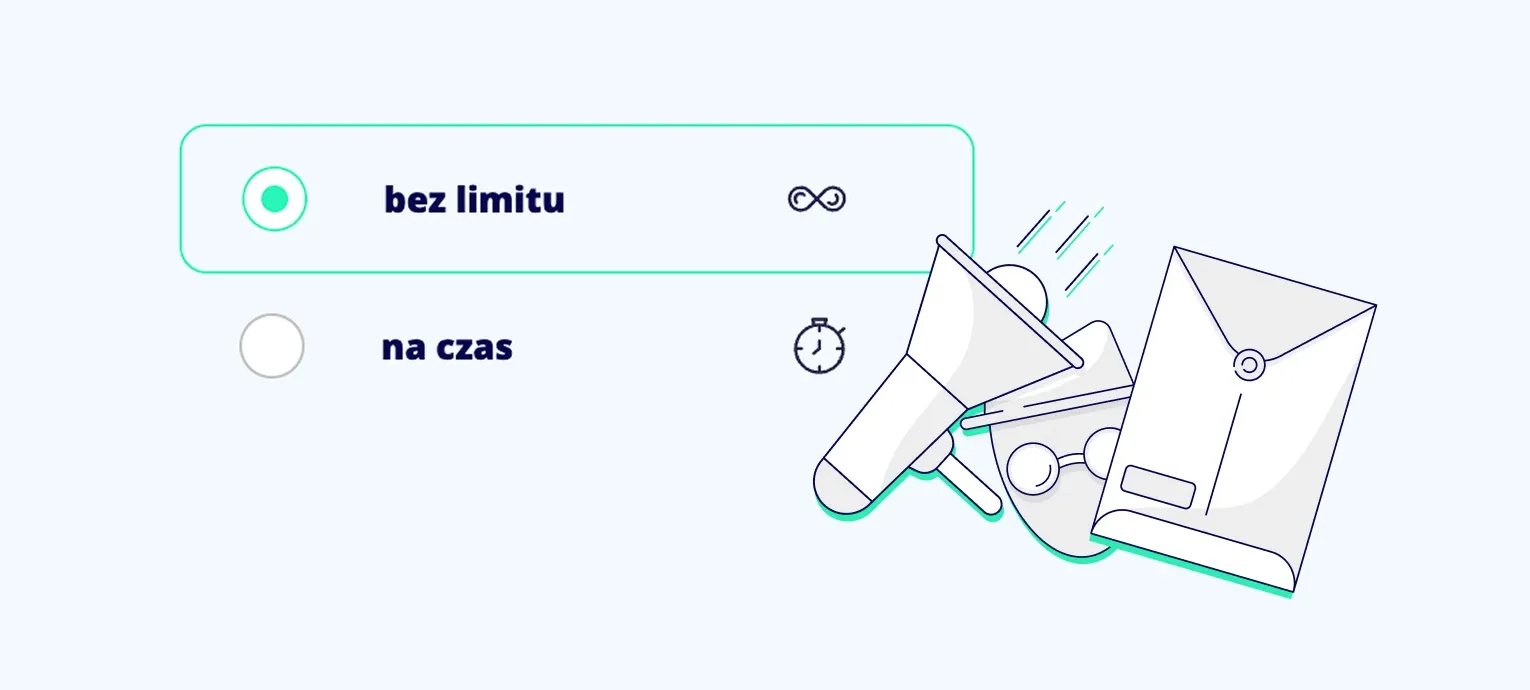
Choose the launch mode

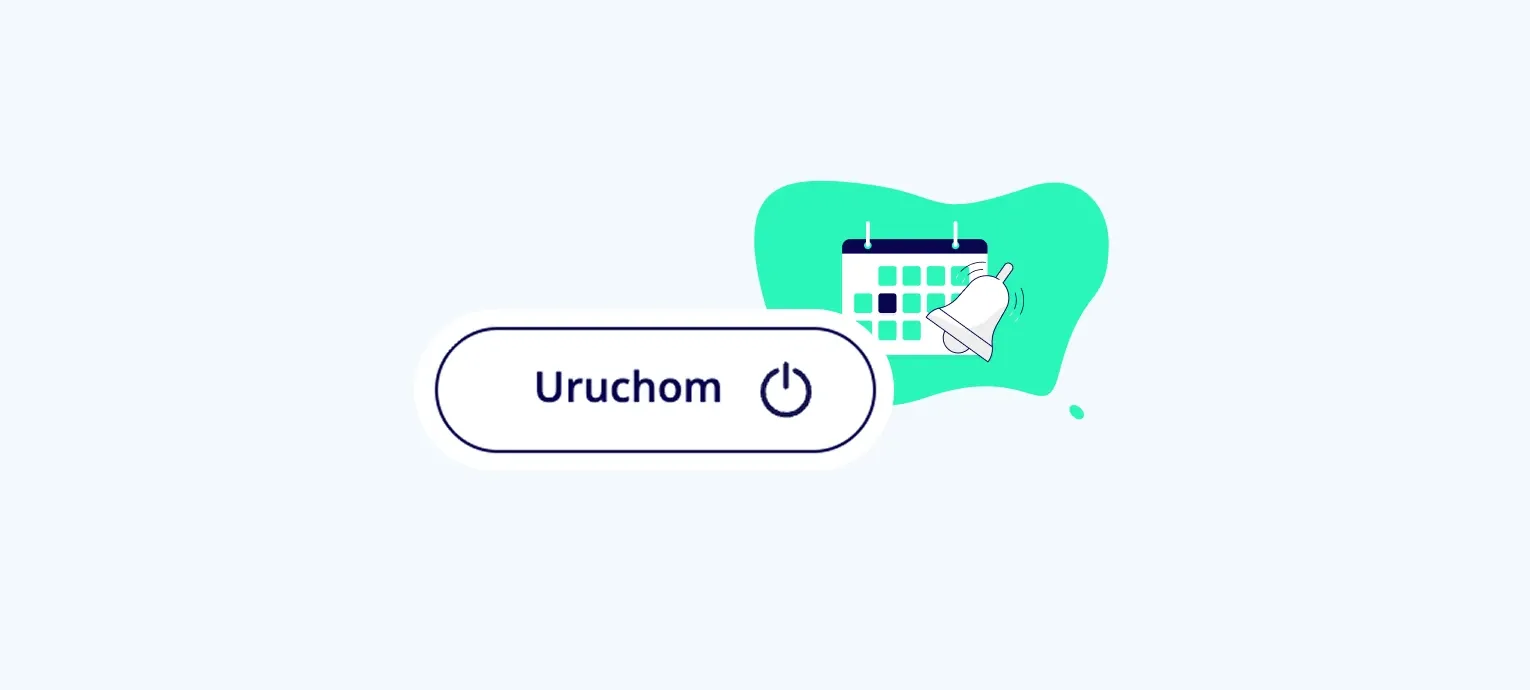
Decide whether the vote should start and end automatically, or whether you as the event administrator will control when it starts and ends.

Image
Questions

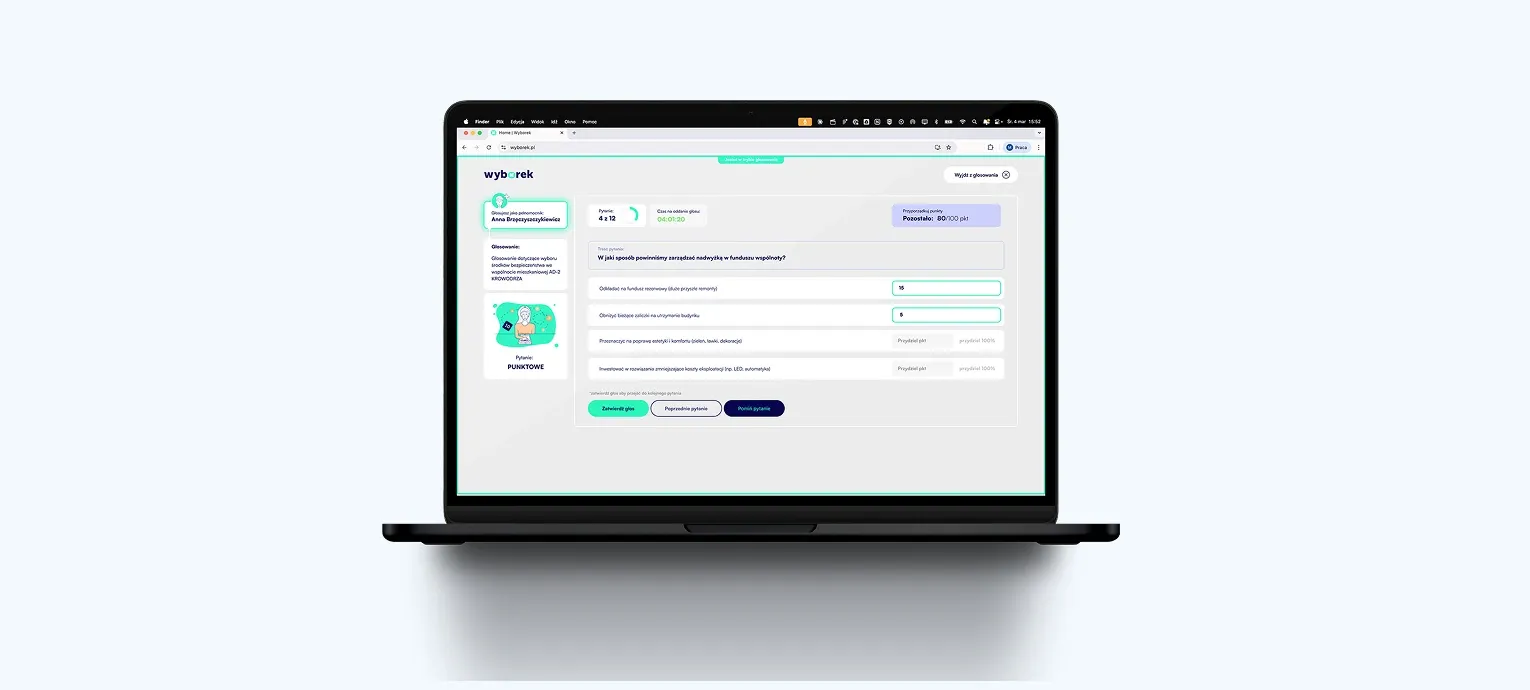
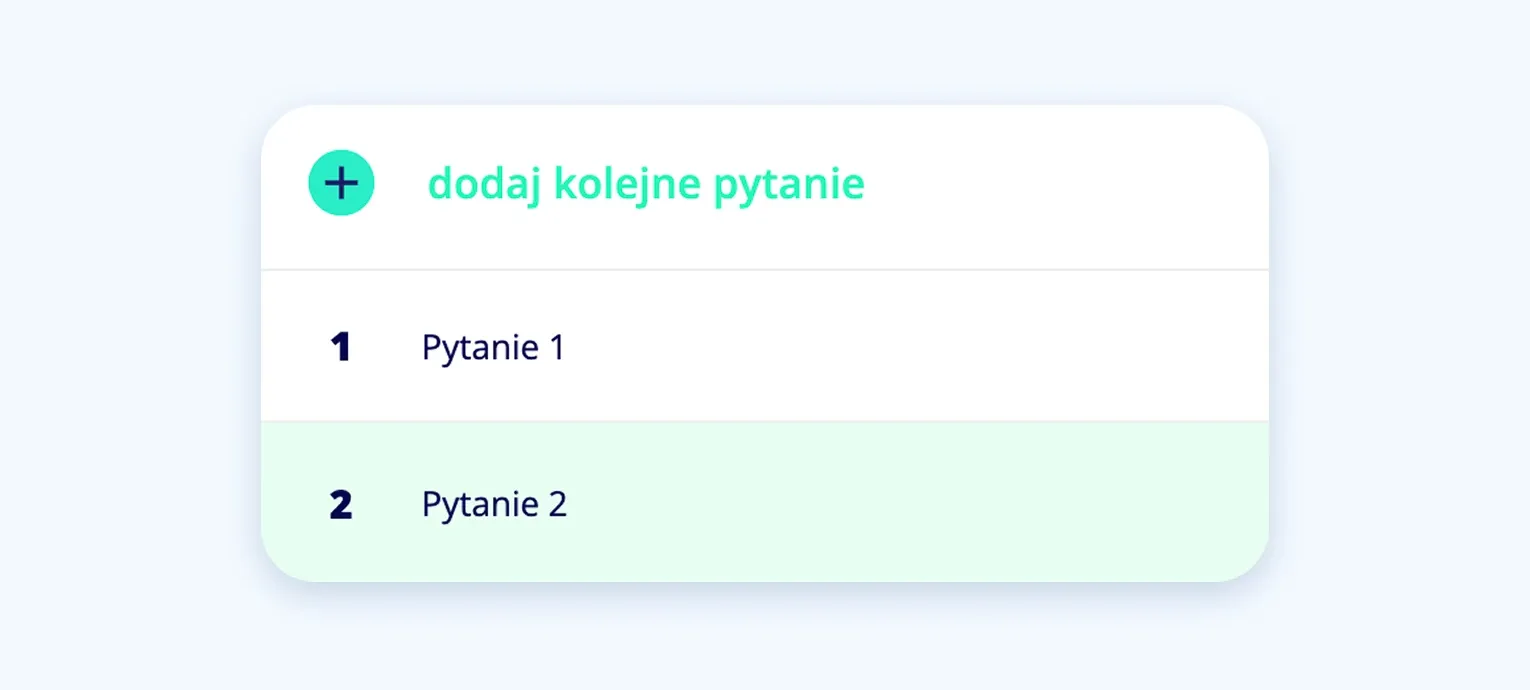
Add questions and assign them to votes

In the CRM panel, the event administrator creates a pool of questions and assigns them to individual votes. While the event is running and editing is enabled, you can add new votes and questions.

Image
Timing and visibility

Time-limited questions and anonymity

When adding a question, the administrator can choose whether specific questions should have a time limit for casting a vote. From the same place, you choose whether the question is open or secret.

Image
Vote from anywhere

Voting on any device

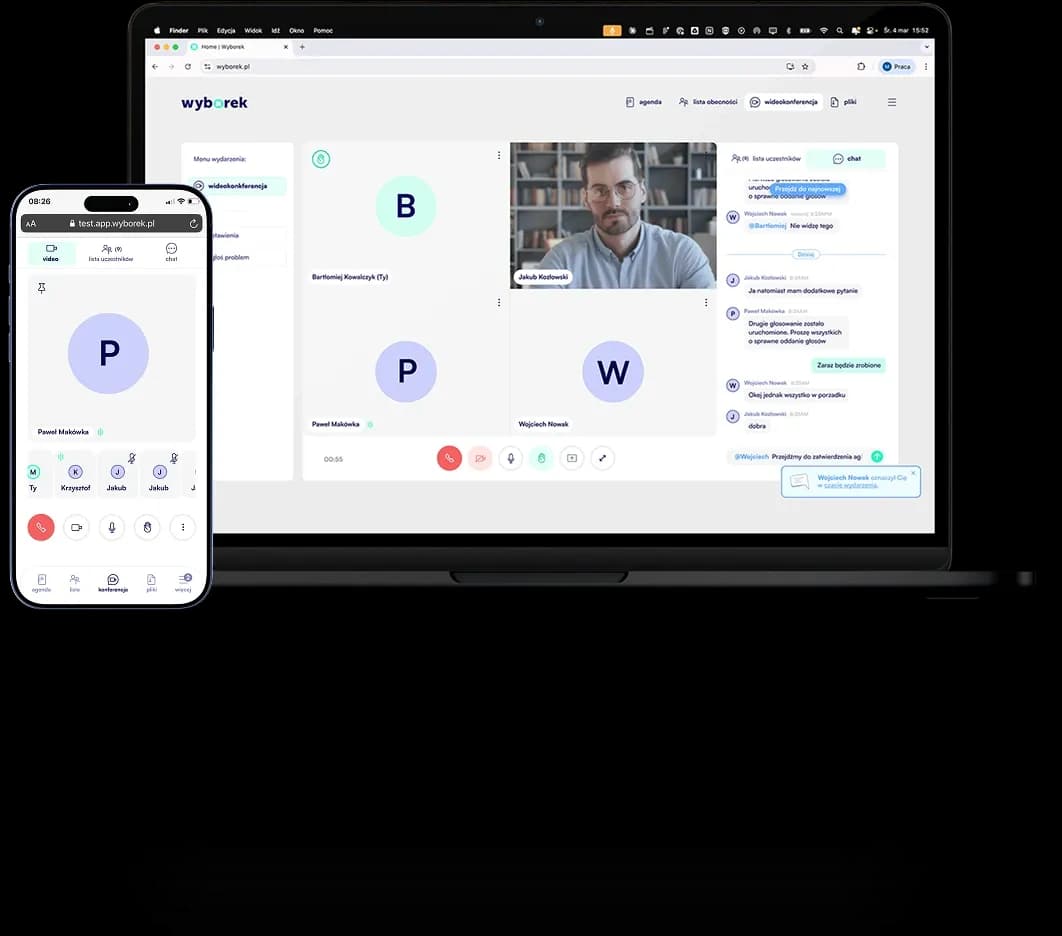
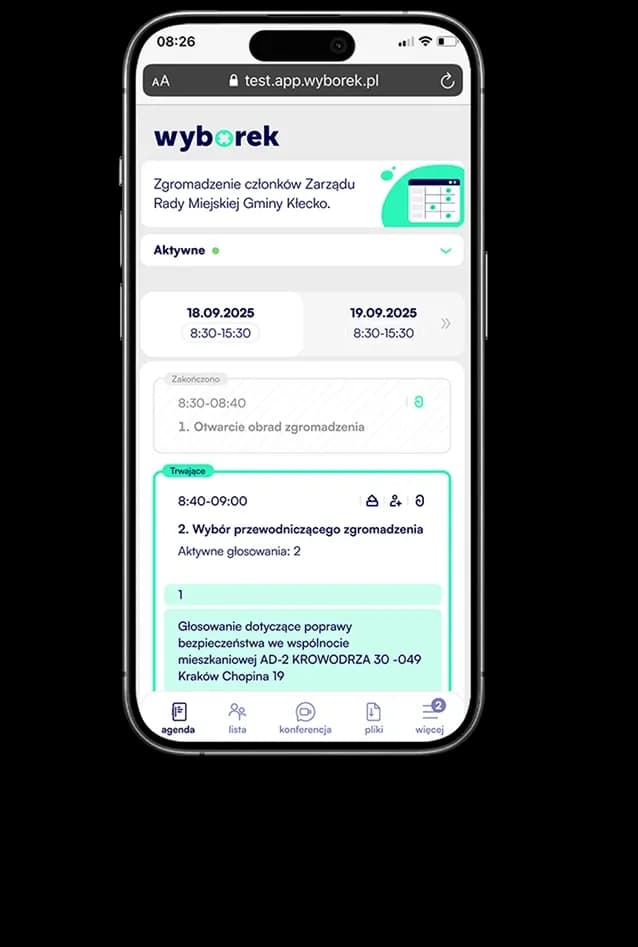
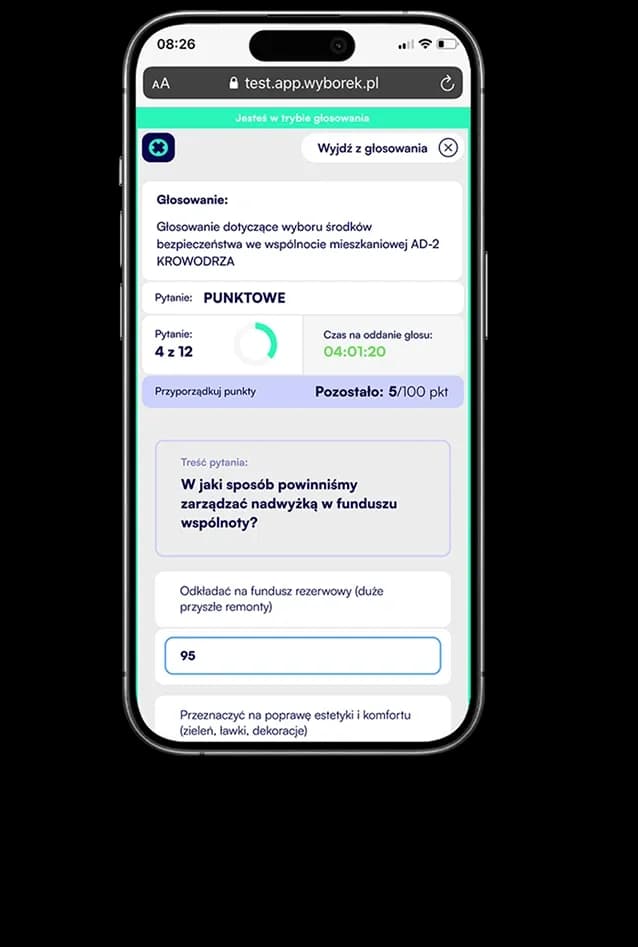
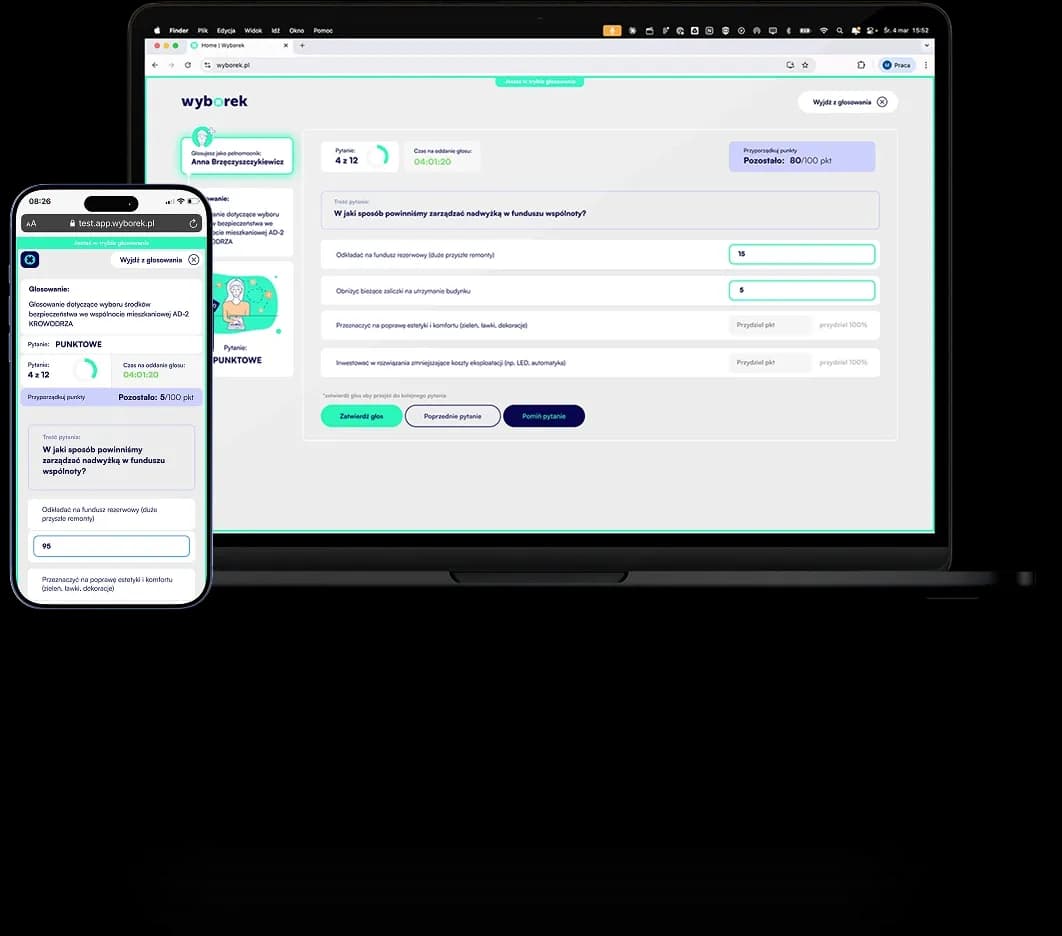
Participants vote on any device and from anywhere: a laptop or a mobile device. The PWA app is adapted to every resolution, operating system and web browser.

Image
Editing

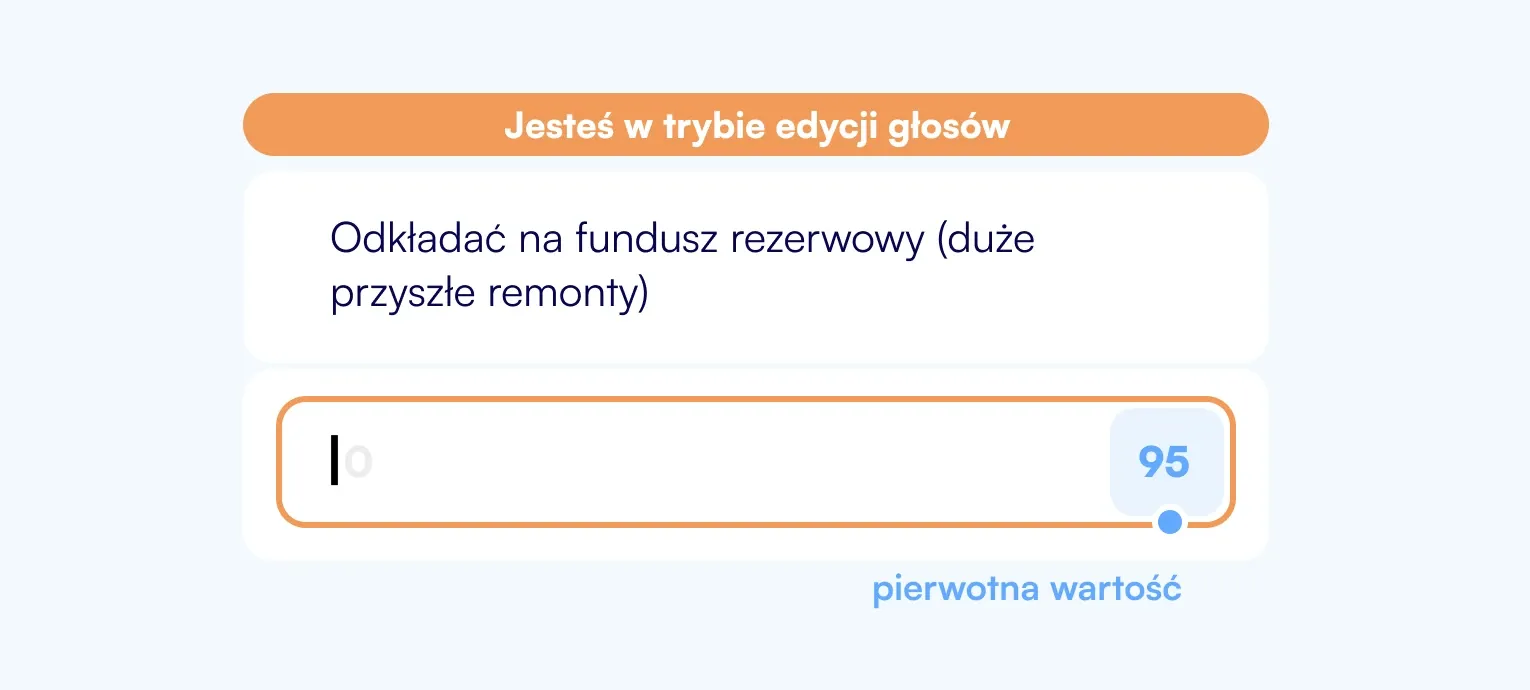
Let voters change their decision

When configuring a vote, you can also choose whether voters are allowed to edit votes they have already cast. They can change their decisions until the event administrator ends the vote.

Image
Voters

Add participants

In the app, you can choose regular participants who can vote, observer participants who cannot vote, and participants acting as proxies.

Image
Results and quorum

Make sure adopted resolutions are valid

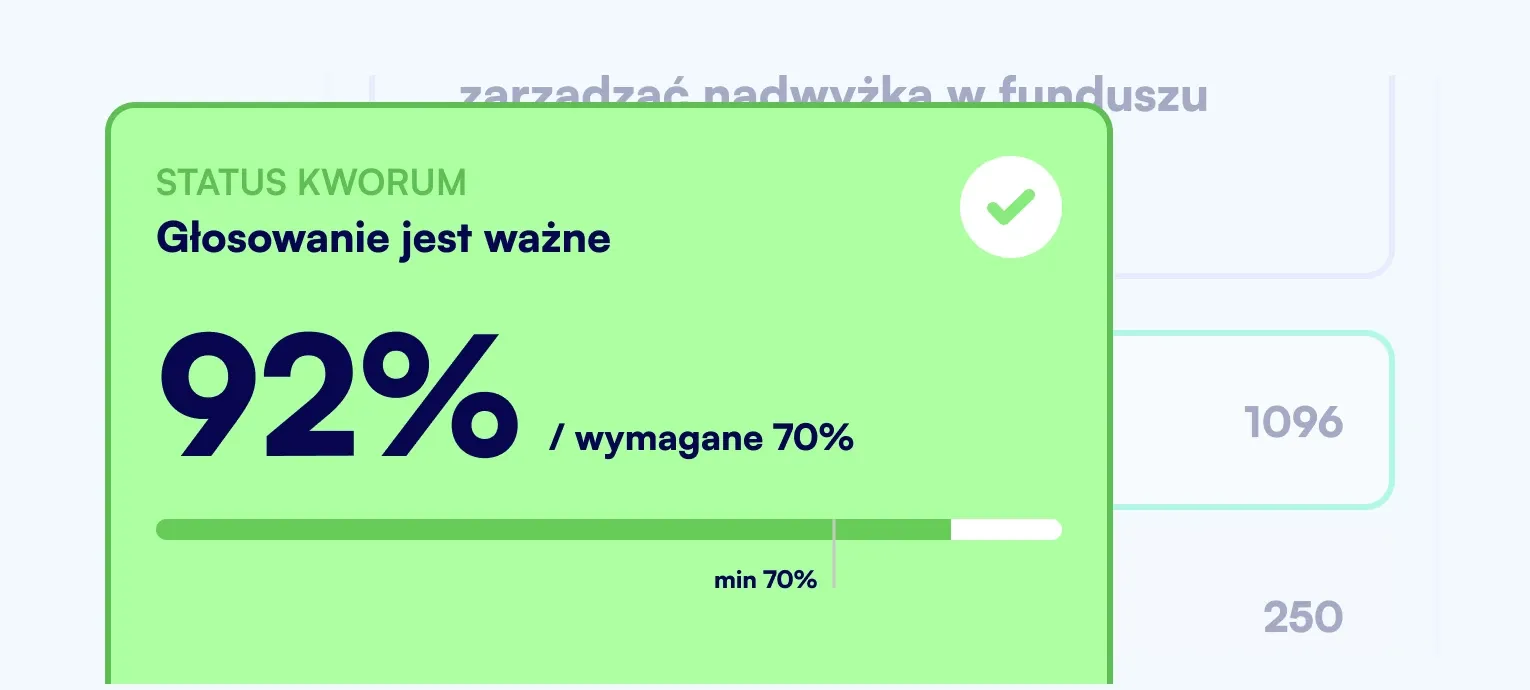
Decide whether the vote should end with results visible to voters and the administrator. Keep track of quorum: you can set it for votes using a points-based or percentage scale. At the end of the event, generate a report.

SAMPLE EVENT SCENARIOS

Sample event scenarios

using different types of votes

Example scenario:

General meeting

Event

Authorization

email + SMS

Communication

video conference

Agenda

1 day

Voting

Voting type

survey + yes/no

Mode

open

Proxies

yes

Report

yes

Limited liability companies

Joint-stock companies

Cooperative banks


Run formal resolution votes with full documentation and automatic quorum counting.

Image

Example scenario:

Board meeting

Event

Authorization

email + SMS

Communication

video conference

Agenda

1 day

Voting

Voting type

survey + yes/no

Mode

open

Proxies

yes

Report

yes

Supervisory boards

Management boards

Committees


Recurring meetings with secret voting and a long access window for materials before the session.

Image

Example scenario:

Satisfaction survey

Event

Authorization

email + SMS

Communication

video conference

Agenda

1 day

Voting

Voting type

survey + yes/no

Mode

open

Proxies

yes

Report

yes

HR departments

Housing communities

Organizations


Anonymous surveys with an open link, without a participant list and without authorization setup.

Image

COST CALCULATOR

Do you want to know how much it will cost to conduct your vote?

The number of votes depends on your plan. Use the calculator to adjust your subscription to the frequency of your votes and the number of participants.

EVERYTHING YOU NEED

See other features

Image
Image
10
9
5
3
1

Create your first events

Test Wyborek with

2 free events