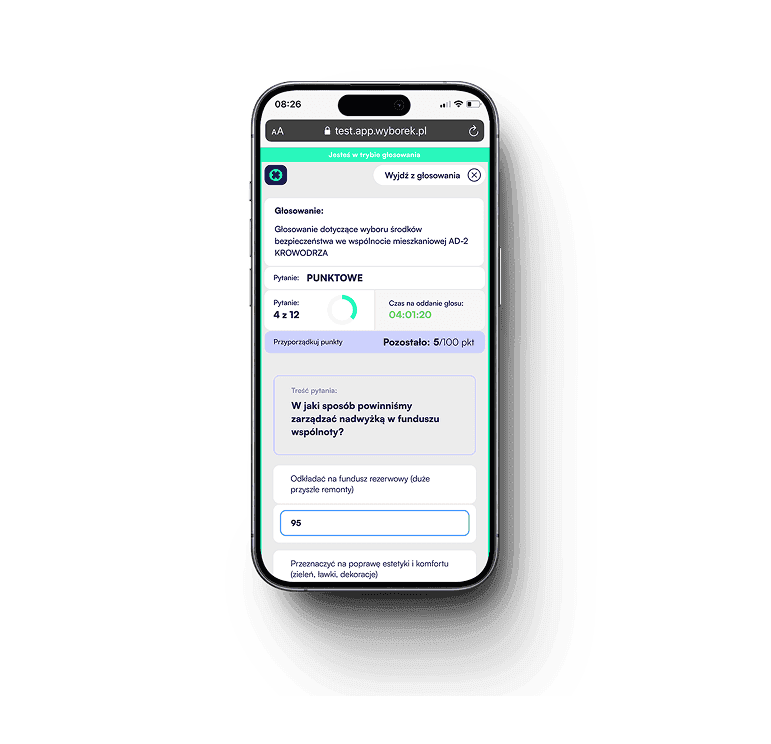
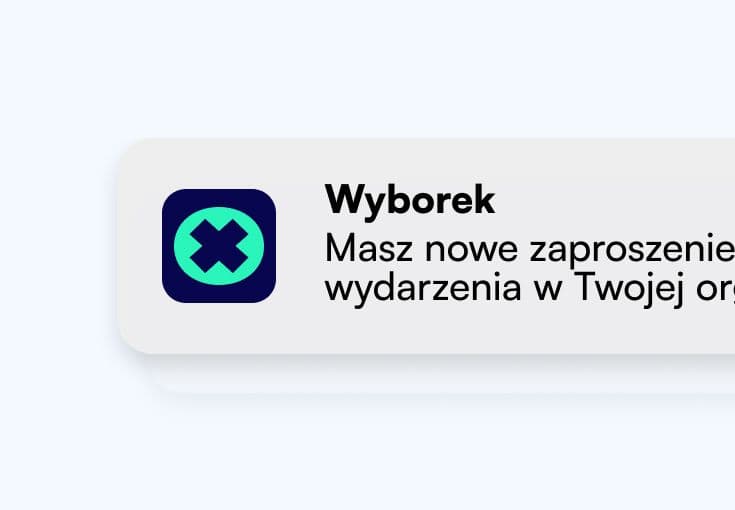
You receive an invitation
An email or SMS from the organizer with a link to the event. One click - and you are in.
Joins, votes, follows the agenda and chats — on any device.
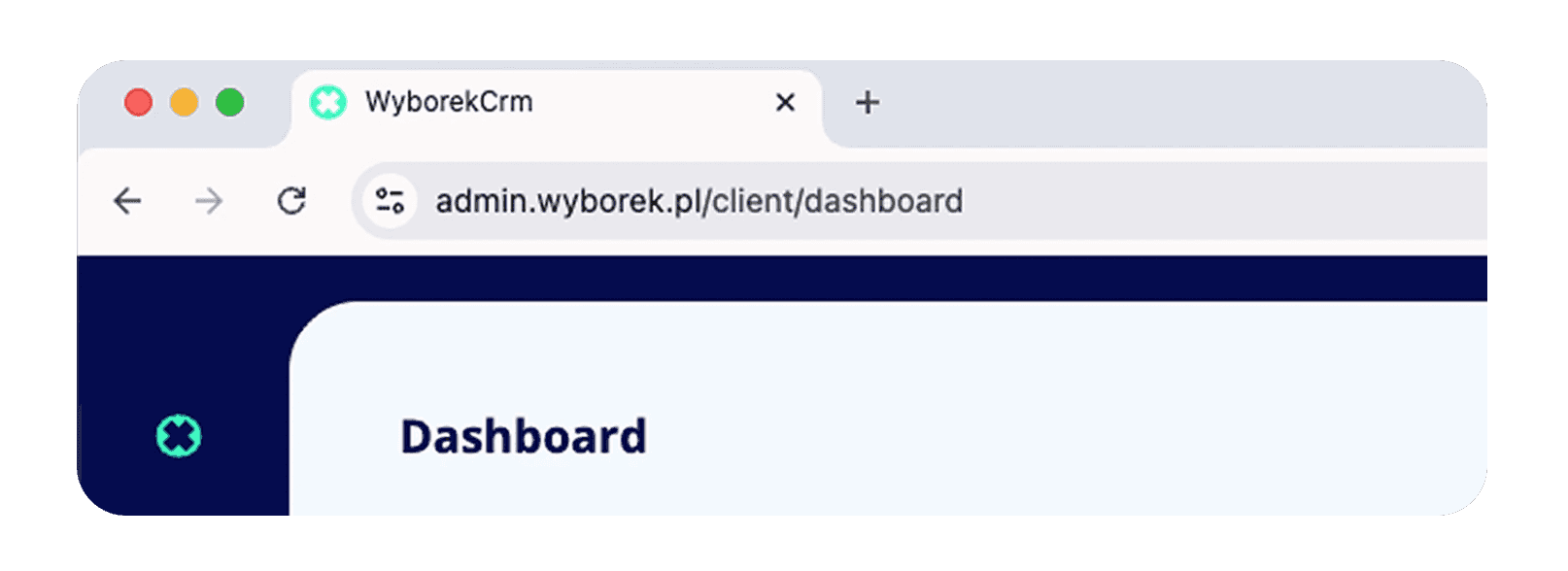
Works in browser - no installation
Open the panel in Chrome, Safari or Edge and get started right away. Zero IT configuration on the organization side, zero software installation on computers. All you need is a URL and permissions — Wyborek takes care of the rest.
No unnecessary steps, no installation. Just a link — Wyborek handles the rest.
You receive an invitation
An email or SMS from the organizer with a link to the event. One click - and you are in.
You receive an invitation
An email or SMS from the organizer with a link to the event. One click - and you are in.
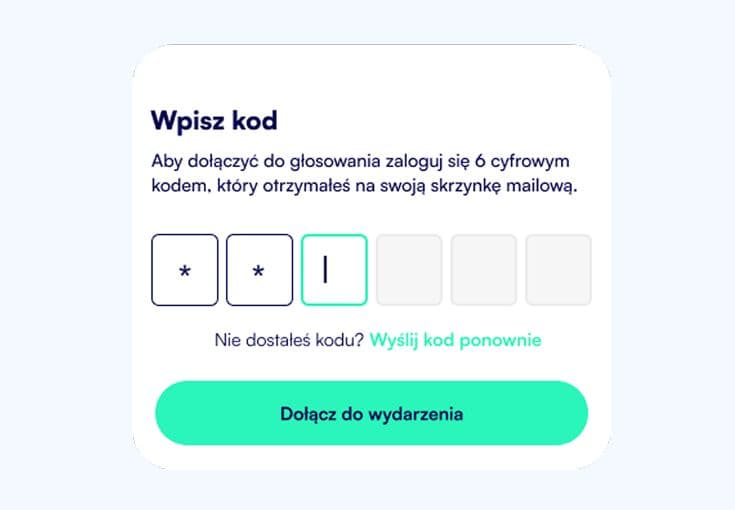
You join the event
Join by providing your phone number or email. Enter a one-time access code, set your password, and enter the event.
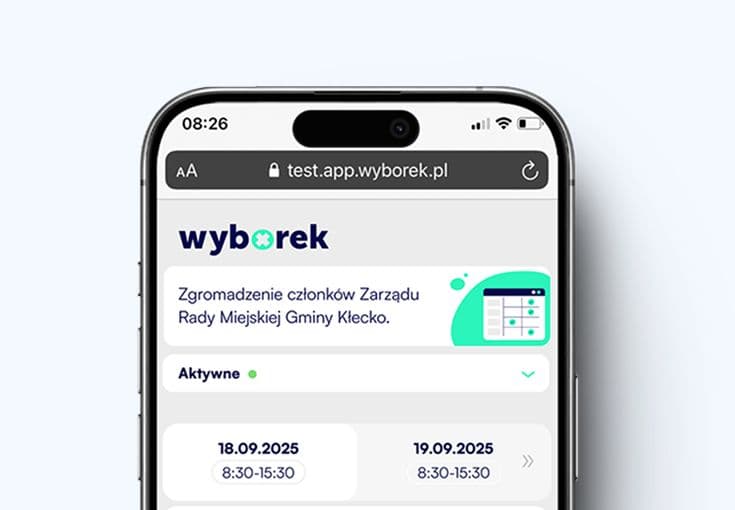
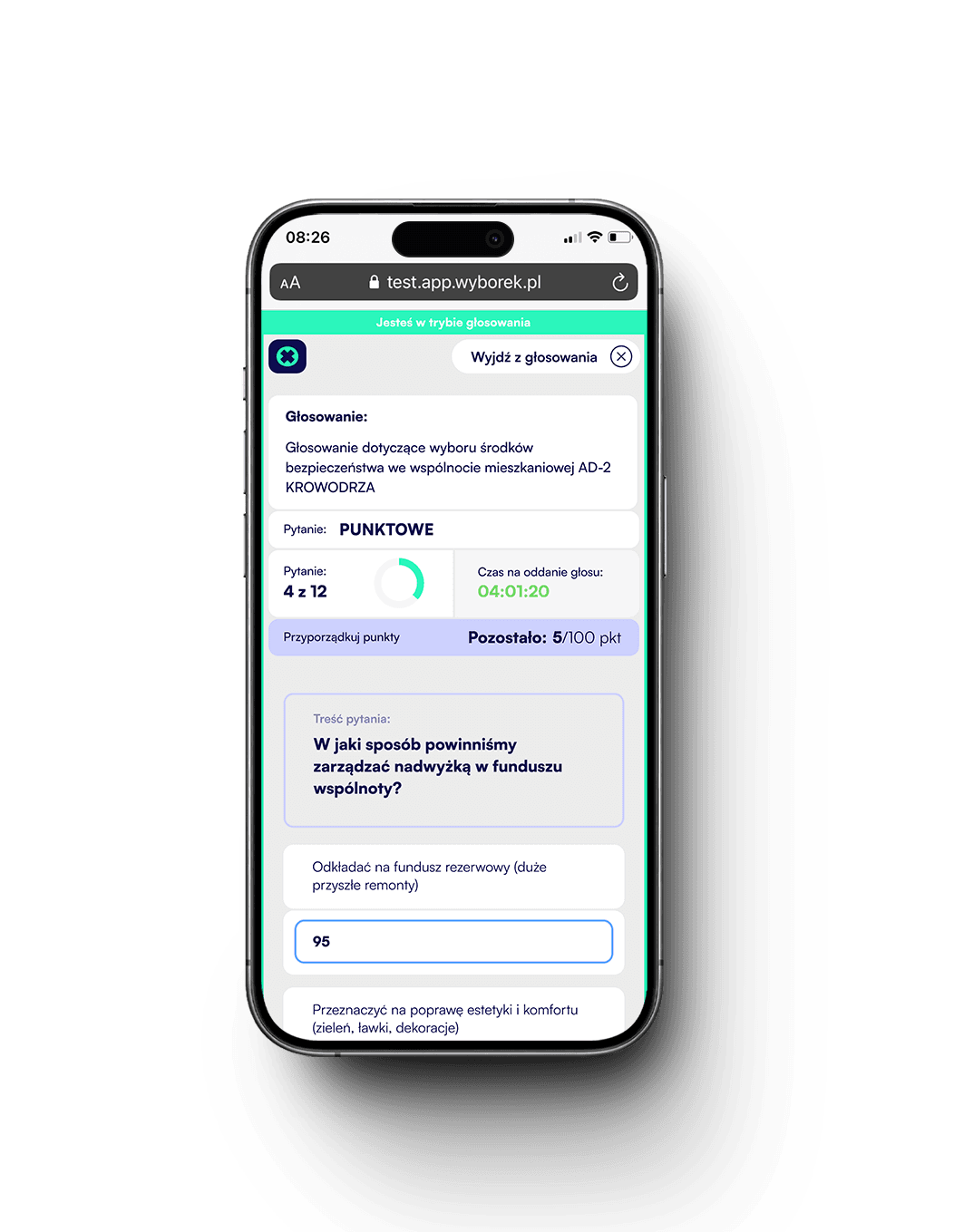
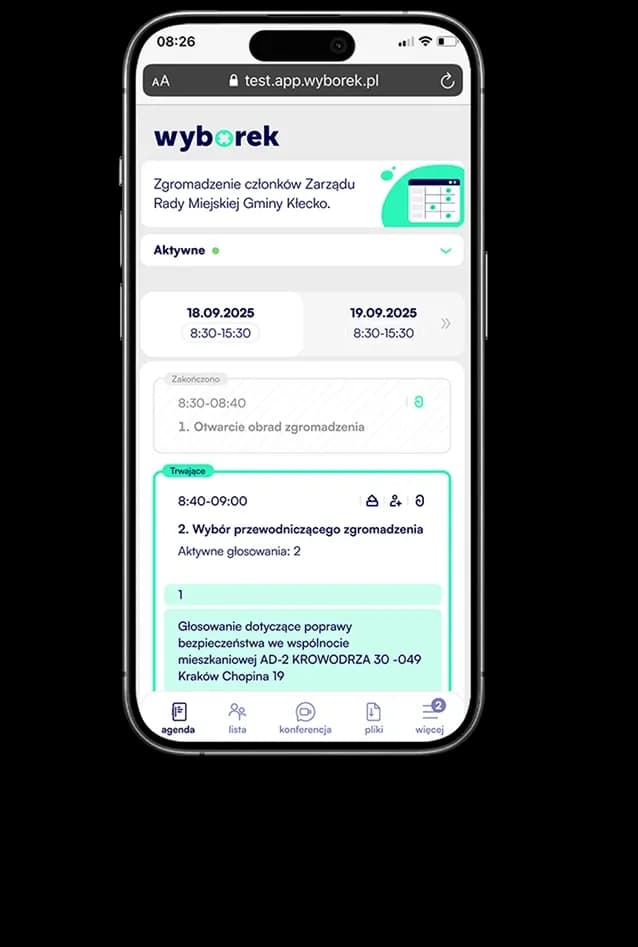
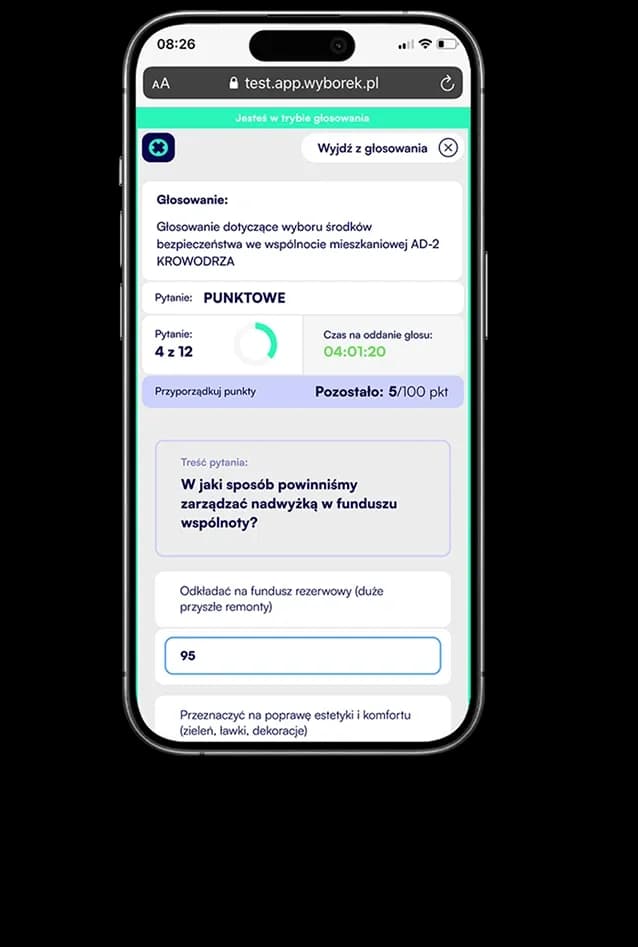
You vote and follow
You vote, browse the agenda, download files, and chat or join video calls - all in one place.
You review results
After voting ends, results appear immediately in the app - no waiting for email or a protocol.
You receive an invitation
An email or SMS from the organizer with a link to the event. One click - and you are in.
You join the event
Join by providing your phone number or email. Enter a one-time access code, set your password, and enter the event.
You vote and follow
You vote, browse the agenda, download files, and chat or join video calls - all in one place.
You review results
After voting ends, results appear immediately in the app - no waiting for email or a protocol.
PWA works like a native app, but participants join via link — no App Store, no Google Play, no waiting.
App store application
App Store / Google Play

Runs in the browser
Installation
What the participant must do before joining
Download from the store takes a few minutes + permissions
Just click the invitation link
Joining time
From receiving the invitation to casting a vote
5-10 minutes (installation + login)
Under 60 seconds
Devices
Supported systems and browsers
Separate versions for iOS and Android
One app - all devices and systems
Updates
How the participant receives a new version
Manually through the store - risk of using an older version
Automatic - always the latest version
Storage space
How much space it uses on the participant's device
50-200 MB
0 MB - nothing is installed
Account setup
What the participant does on first login
Registration form, email, password, verification
Confirm the email or phone number from the invitation and set a password.
Push notifications
Event information
Yes
Yes - directly on the lock screen
App store application
App Store / Google Play
Runs in the browser
Installation
What the participant must do before joining
Download from the store takes a few minutes + permissions
Just click the invitation link
Joining time
From receiving the invitation to casting a vote
5-10 minutes (installation + login)
Under 60 seconds
Devices
Supported systems and browsers
Separate versions for iOS and Android
One app - all devices and systems
Updates
How the participant receives a new version
Manually through the store - risk of using an older version
Automatic - always the latest version
Storage space
How much space it uses on the participant's device
50-200 MB
0 MB - nothing is installed
Account setup
What the participant does on first login
Registration form, email, password, verification
Confirm the email or phone number from the invitation and set a password.
Push notifications
Event information
Yes
Yes - directly on the lock screen
*PWA (Progressive Web App) is a technology standard supported by Google, Apple, and Microsoft. It works in Chrome, Safari, Firefox, Edge, and other browsers.
Every event has different needs. Below are three sample configurations - you can recreate them in minutes.
Example scenario:
Supervisory board meeting
Event
Voting
Supervisory boards
Management boards
Committees
Recurring meetings with secret voting and a long access window for materials before the session.
Example scenario:
Budget vote
Event
Voting
Limited liability companies
Foundations
Public institutions
Collect votes on the annual budget in secret mode - results become available only after voting closes.
Example scenario:
Management board elections
Event
Voting
Associations
Cooperative banks
Organizations
Run multi-person management board elections with point-based ranking and full voter anonymity.
COST CALCULATOR
Configure a tool matched to the scale of your operations. Use the calculator to plan your budget precisely, without hidden costs.
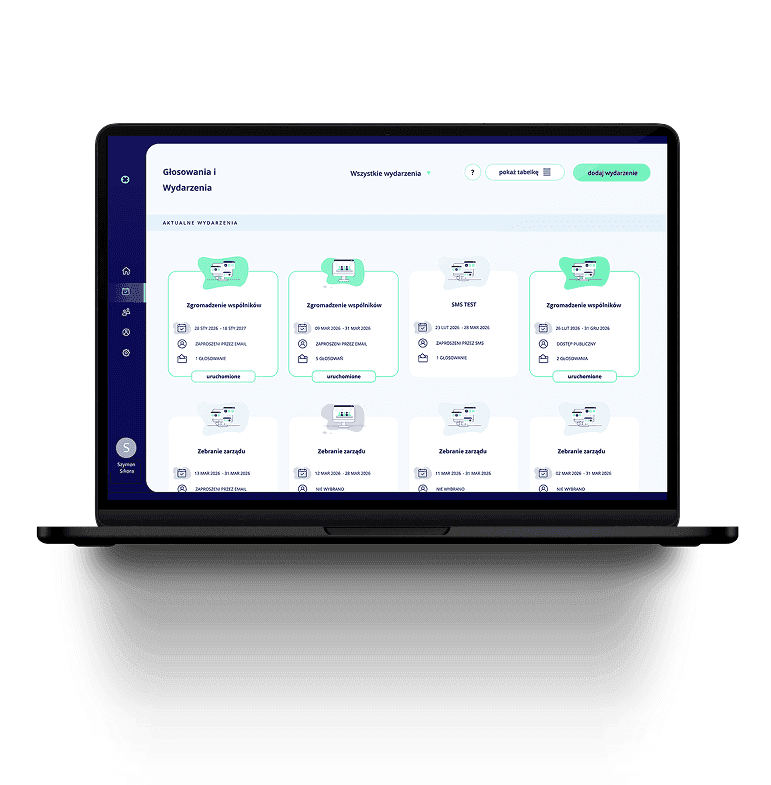
Wyborek consists of two separate applications — each designed for a different person. Neither gets in the way of the other.
Admin Application
Create and configure the entire event: voting, agenda, participants, and additional services. Launch it with one click.