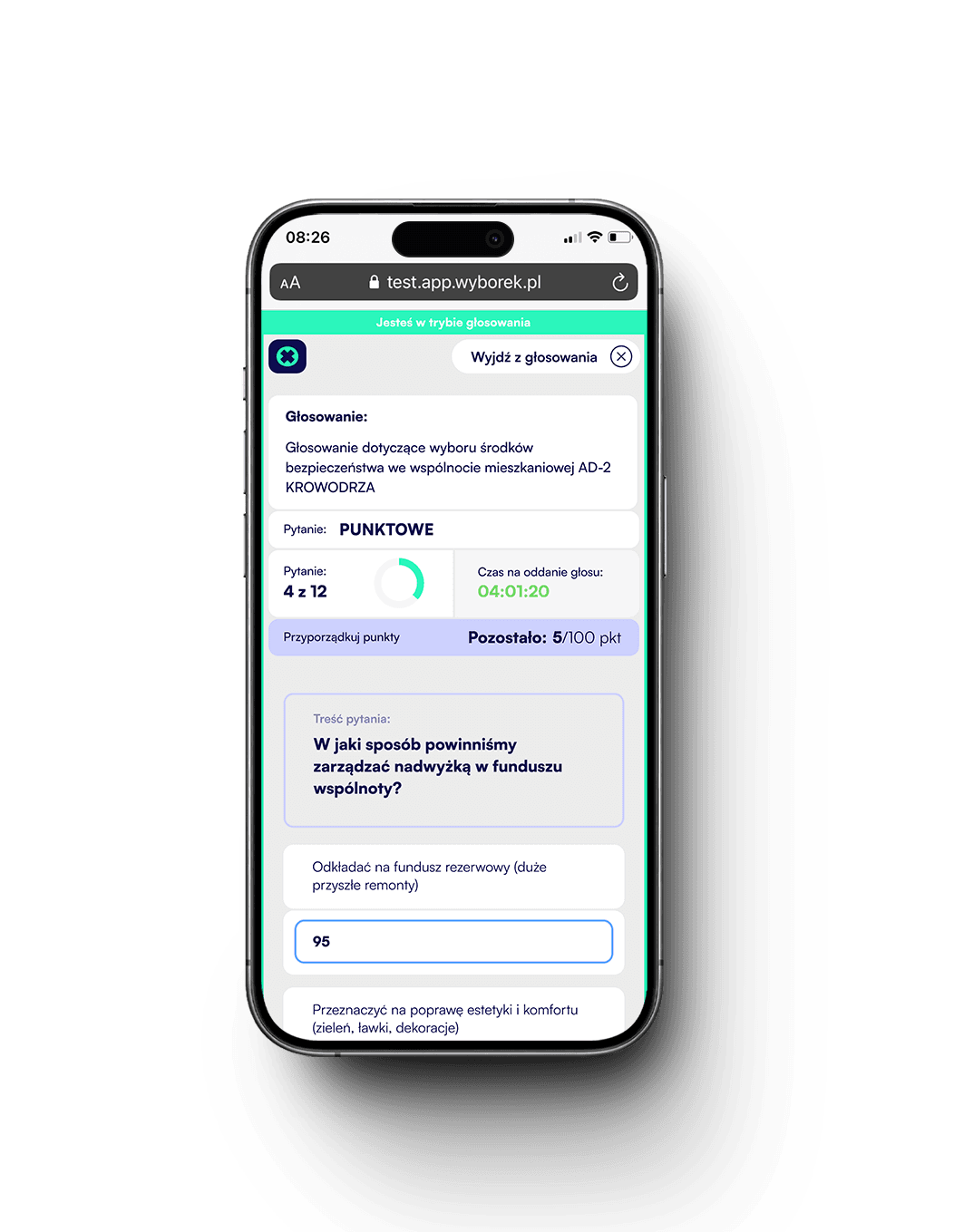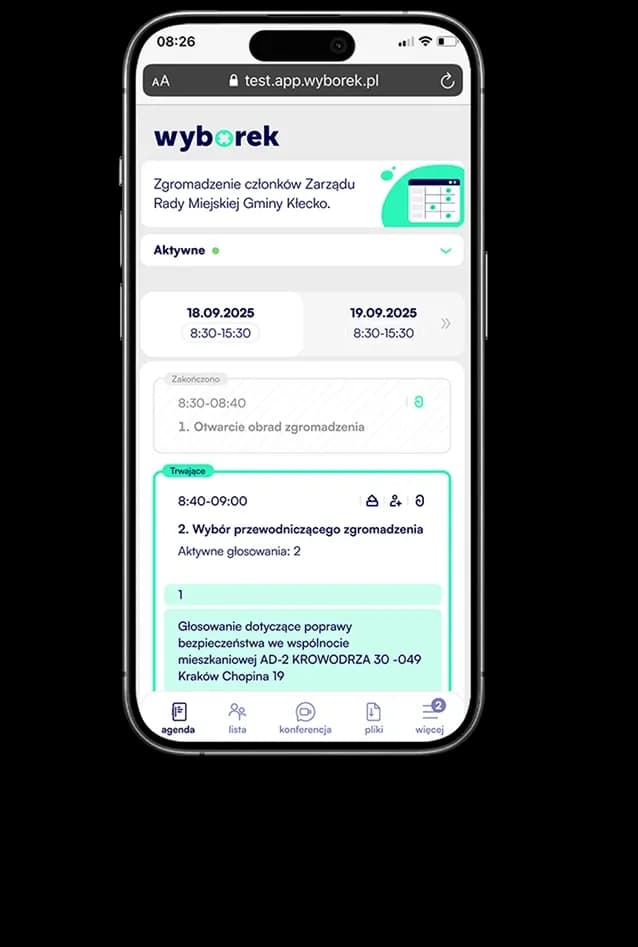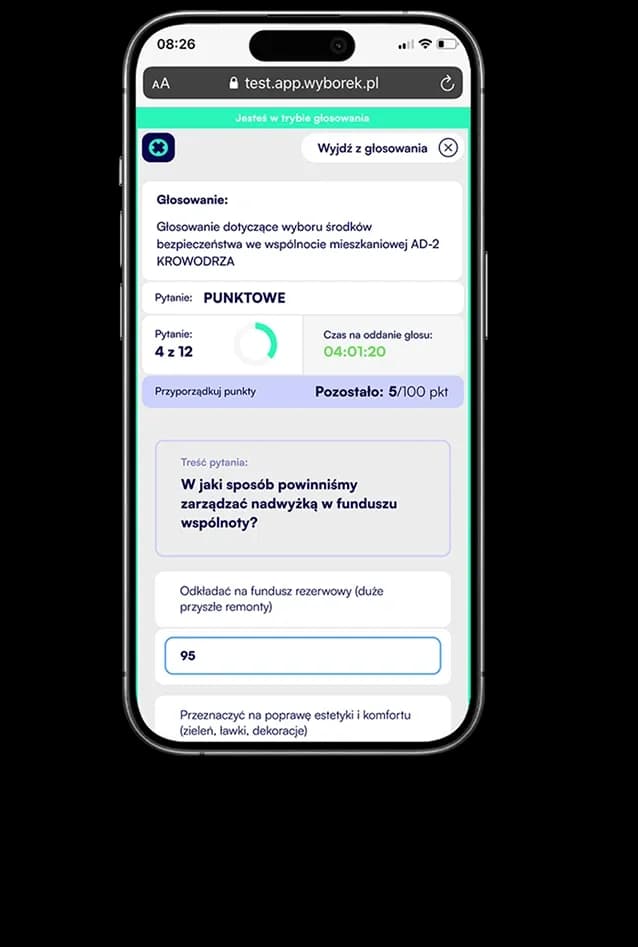
We audit screen after screen
A manual review of every view: keyboard navigation, code inspection and contrast measurements according to WCAG 2.1 AA.


We want every participant to be able to take part in a vote — regardless of sight, hearing or mobility. That is why we build both Votey applications in line with the WCAG 2.1 guidelines, and most accessibility solutions are already implemented and work every day.
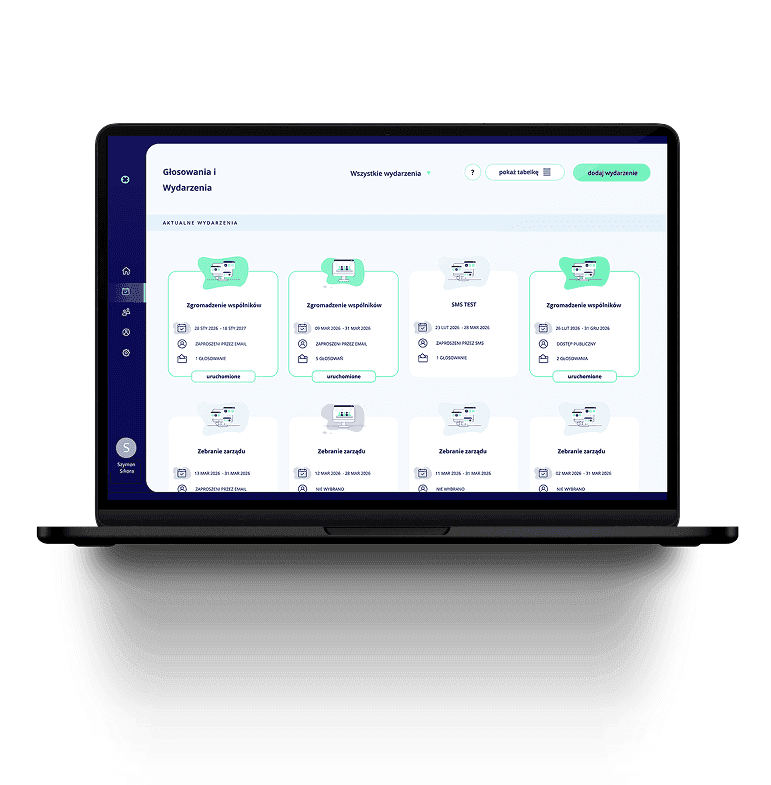
For us, accessibility is part of the product, not an add-on. The key screens of both applications already comply with the WCAG 2.1 guidelines, and we continuously audit screens, measure contrast ratios and test the application with screen readers.
Keyboard operation
We aim for every function — from joining an event to casting a vote — to be operable without a mouse. We check every screen for keyboard traps and a logical tab order.
Four repeatable stages we go through for every screen of the application — from the audit to tests with screen readers.
We audit screen after screen
A manual review of every view: keyboard navigation, code inspection and contrast measurements according to WCAG 2.1 AA.
We audit screen after screen
A manual review of every view: keyboard navigation, code inspection and contrast measurements according to WCAG 2.1 AA.
We prioritise barriers
Every detected issue is classified as critical, medium or minor and described with acceptance criteria — this makes each fix measurable and verifiable.
We ship the fixes
Changes reach the application in consecutive releases: from heading hierarchy and field labels, through contrast, to mechanisms for skipping repeated blocks.
We test and verify
After deployment, we re-check every fix against the audit criteria — keyboard navigation, semantics for screen readers and contrast. The screen goes back to testing until it meets all WCAG 2.1 AA requirements.
We audit screen after screen
A manual review of every view: keyboard navigation, code inspection and contrast measurements according to WCAG 2.1 AA.
We prioritise barriers
Every detected issue is classified as critical, medium or minor and described with acceptance criteria — this makes each fix measurable and verifiable.
We ship the fixes
Changes reach the application in consecutive releases: from heading hierarchy and field labels, through contrast, to mechanisms for skipping repeated blocks.
We test and verify
After deployment, we re-check every fix against the audit criteria — keyboard navigation, semantics for screen readers and contrast. The screen goes back to testing until it meets all WCAG 2.1 AA requirements.
Real situations of event participants for whom we remove barriers.
Example scenario:
A blind participant
Barriers
What we are working on
Screen reader
VoiceOver
NVDA
Joins the event and votes using a screen reader — the page structure and forms are read in a logical order.
Example scenario:
A low-vision participant
Barriers
What we are working on
200% zoom
Contrast
Visible focus
Zooms the interface to 200% and needs clear contrast to cast a vote independently.
Example scenario:
A participant with a motor disability
Barriers
What we are working on
Keyboard
No complex gestures
Large touch targets
Handles the entire event using only the keyboard — from joining to casting a vote.
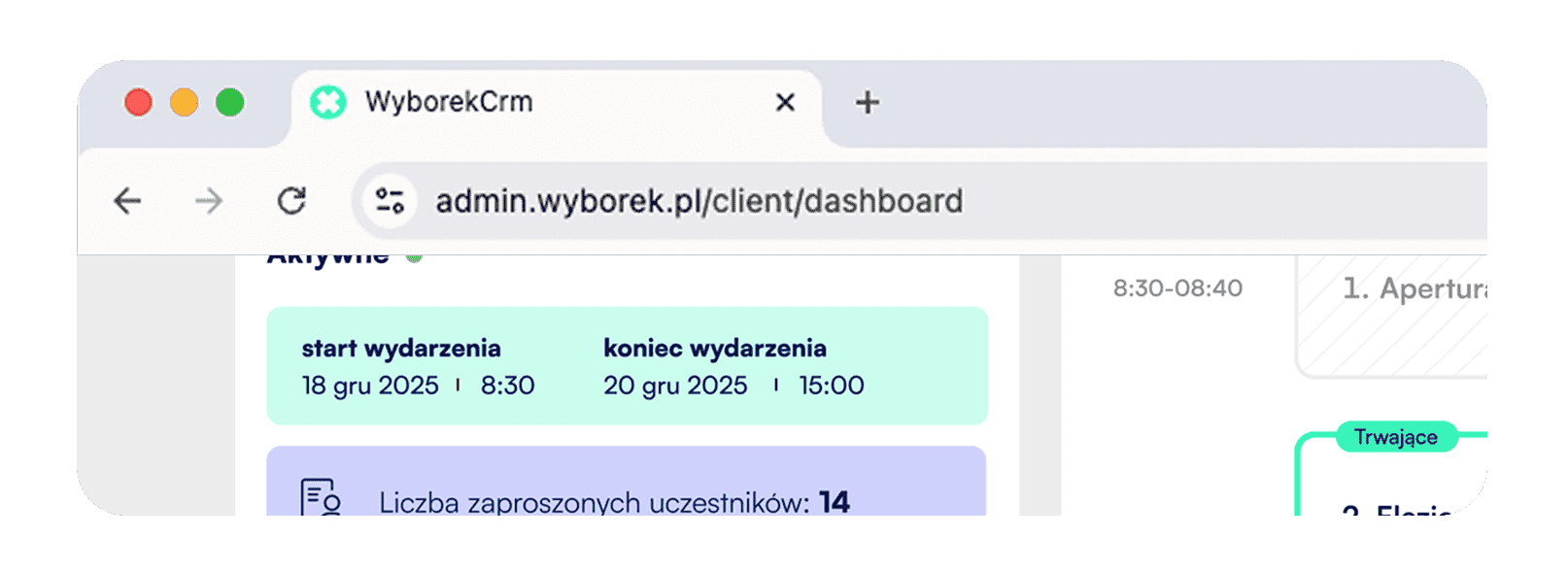
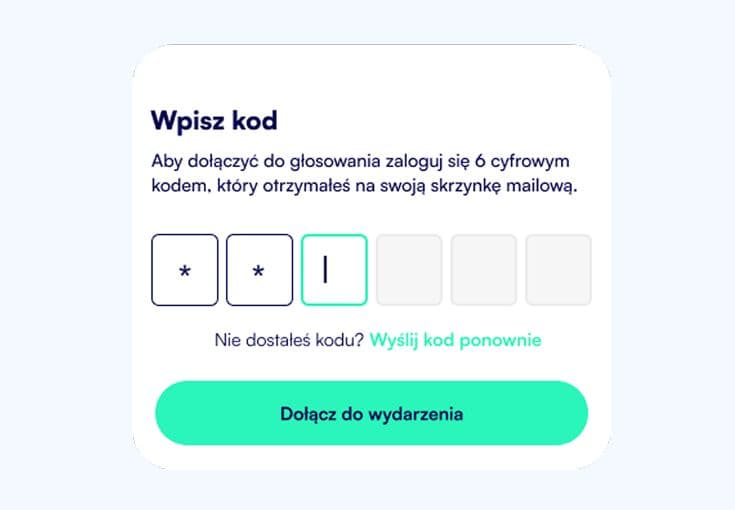
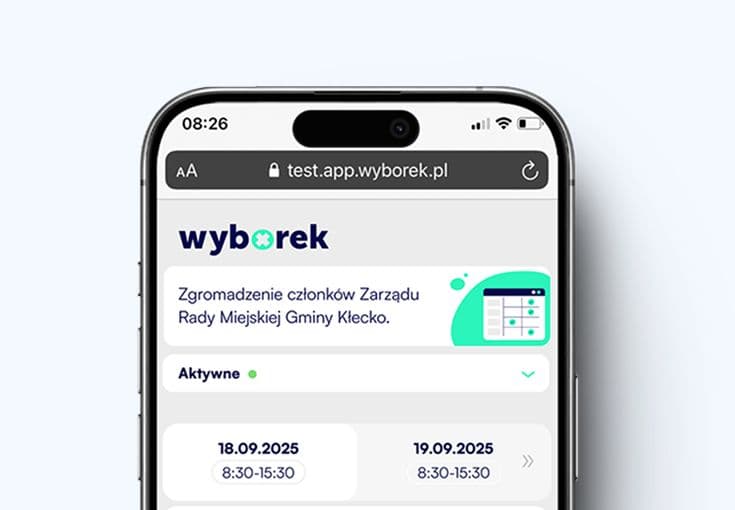
We work on accessibility in parallel in the participant app (PWA) and the administrator app (CRM) — removing barriers where users actually encounter them.
Admin Application
Create and configure the entire event: voting, agenda, participants, and additional services. Launch it with one click.