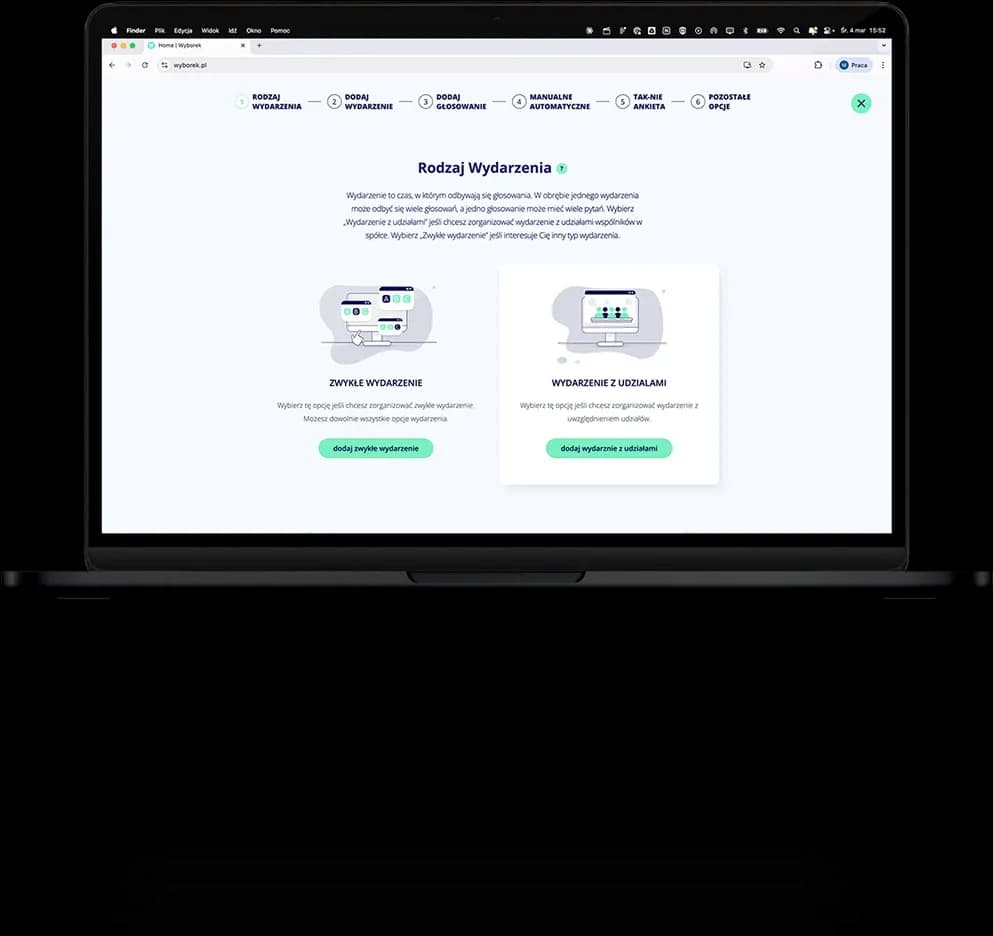
Full control over every meeting

Configure every event from scratch: create an agenda, add votes and questions, invite participants and choose additional services, including video conferencing, chat, reports and more. One panel, full control over every meeting detail.

Image
Image
FEATURES

Creating an event is just the beginning.

Everything you need to run your organization meeting starts right here.

Image

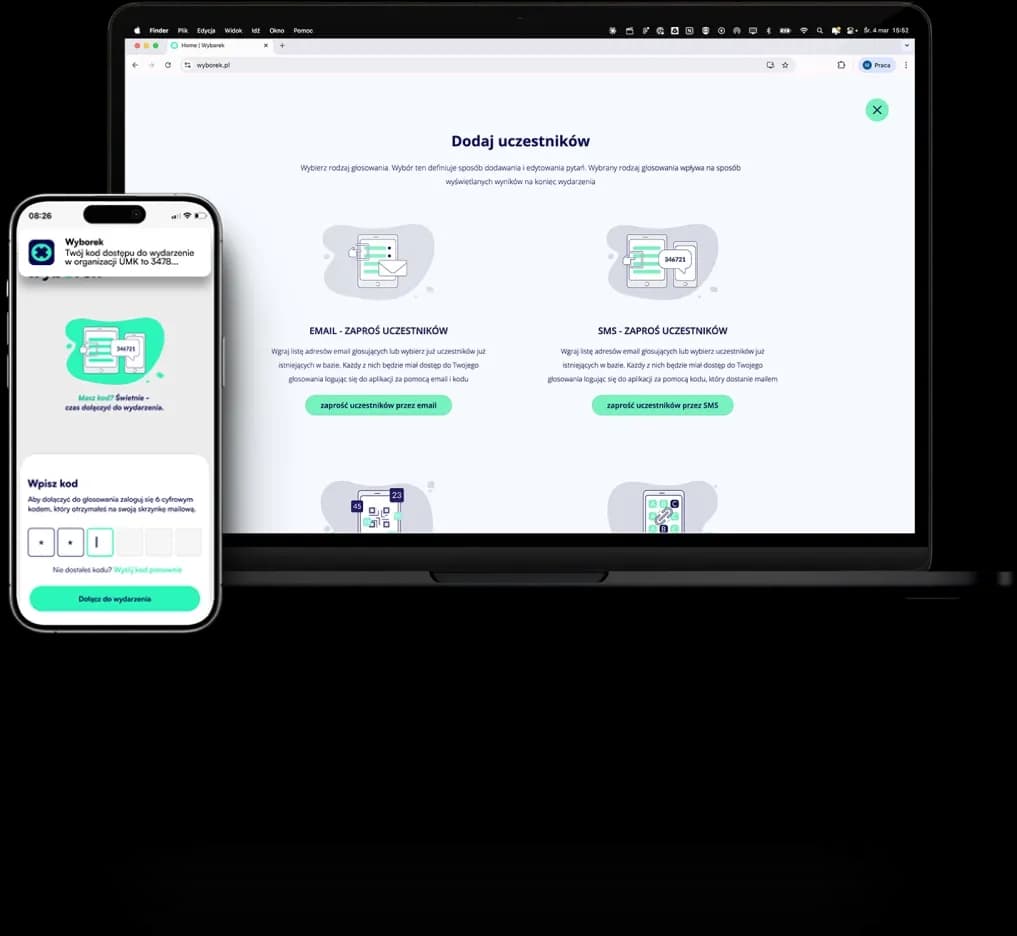
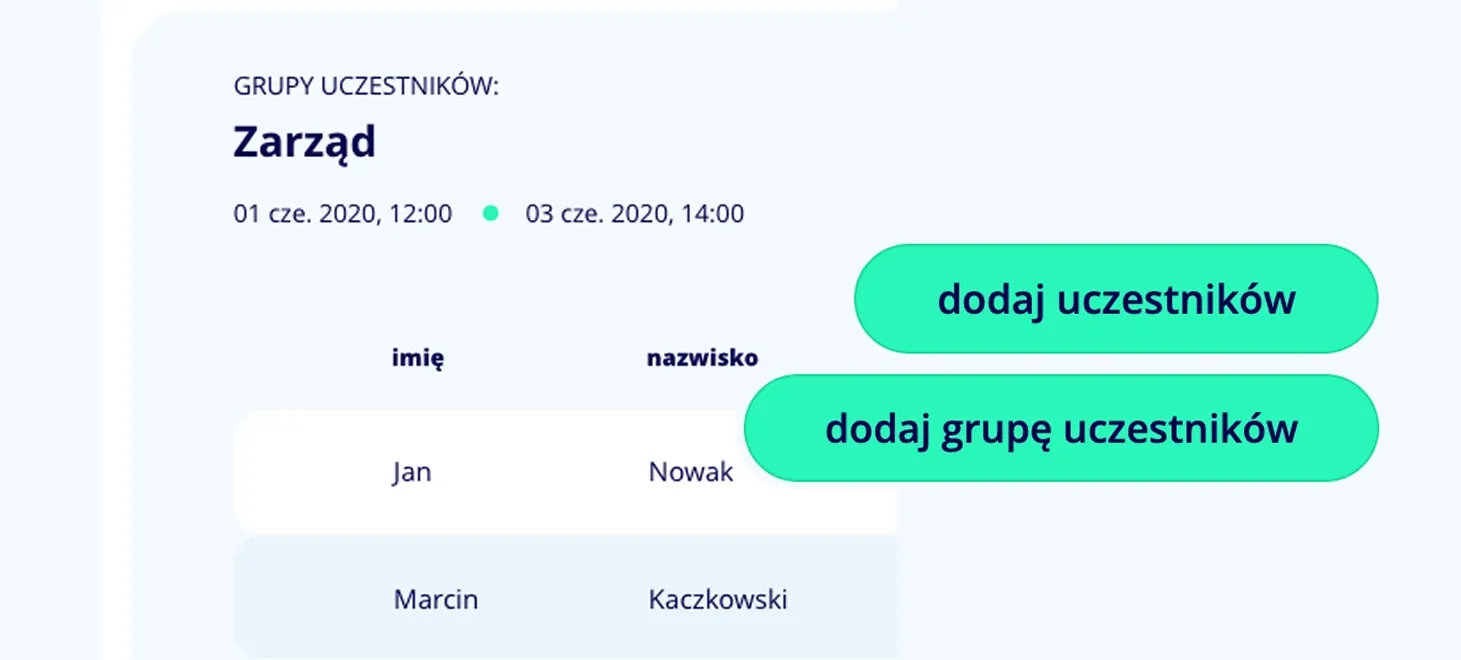
Invite and manage participants

Add participants one by one or import entire groups from a list. Assign roles — regular participant, observer, or proxy — and track their activity in real time. You have full control over who takes part in the event and in what capacity.
Image

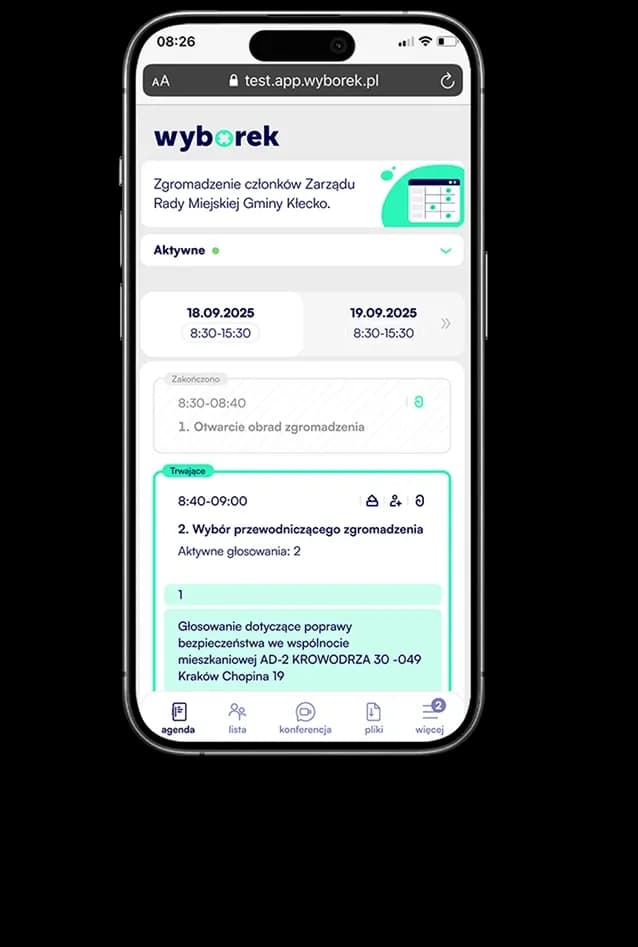
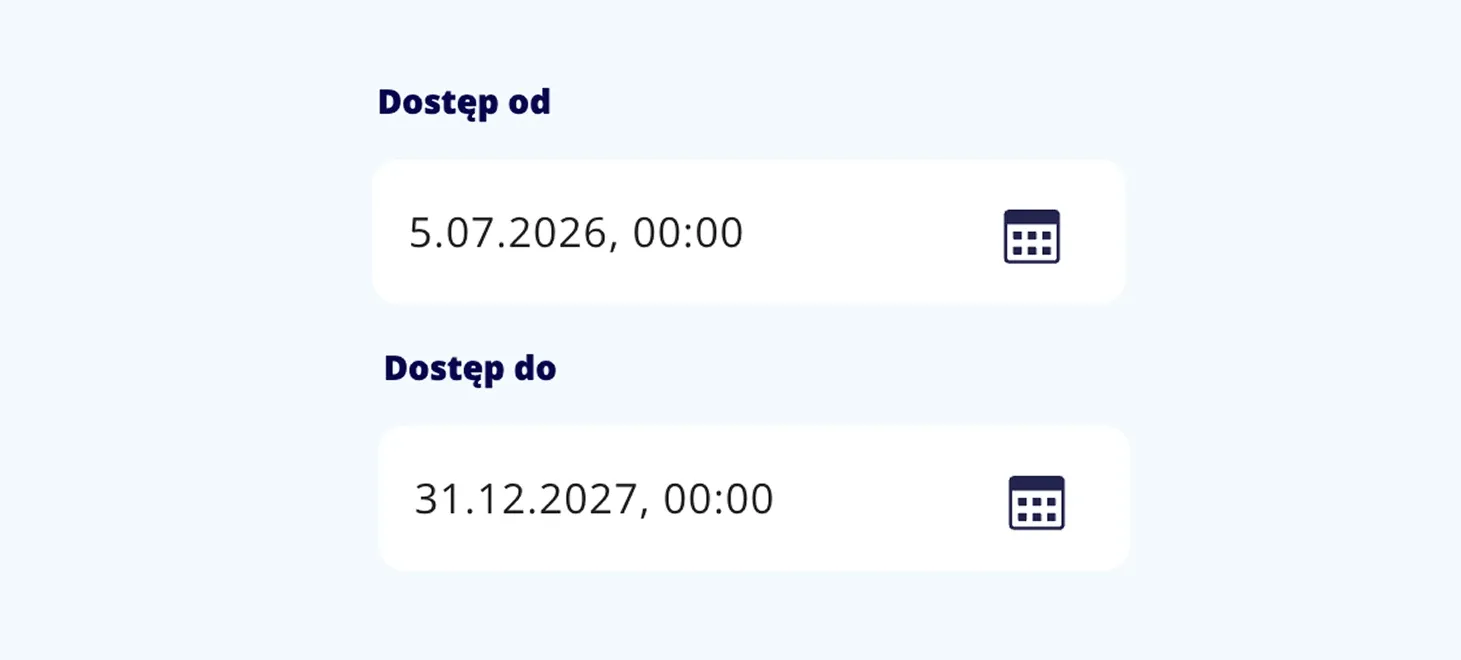
Create multi-day events

Plan a meeting for a single day or split it into multiple sessions with precise time frames. Wyborek adapts to your organization's schedule — whether it is a short board meeting or a multi-day general assembly.

Image

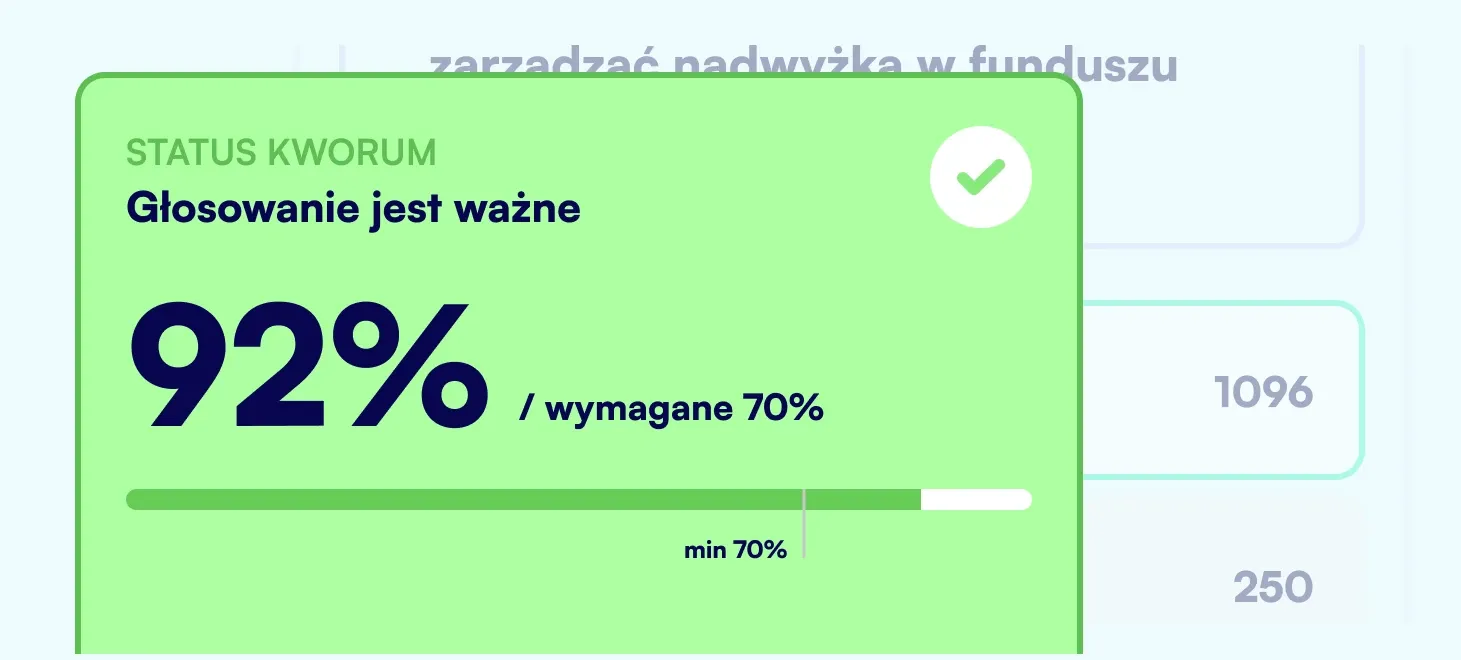
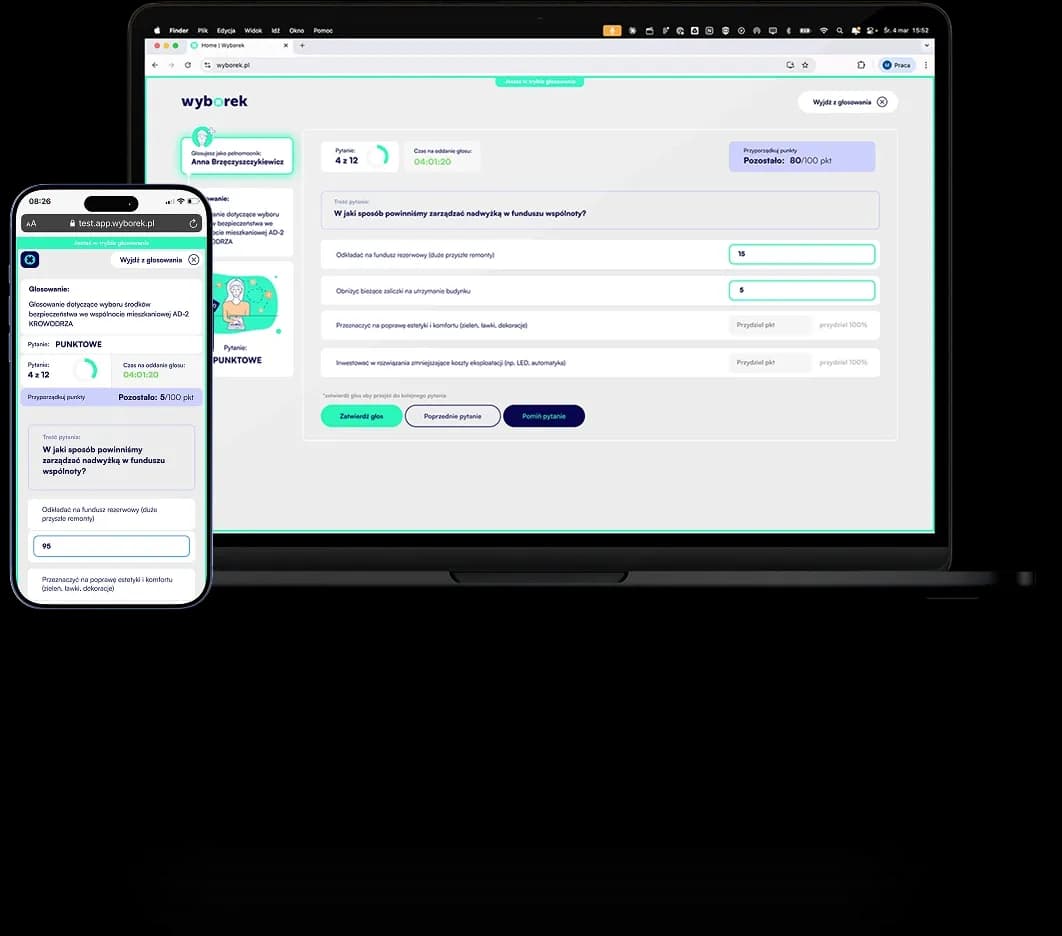
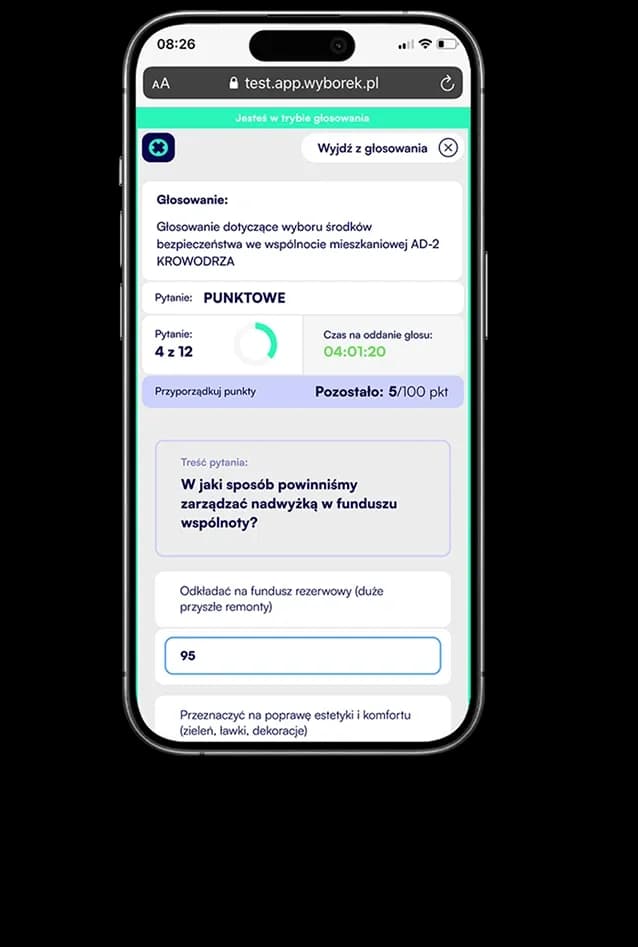
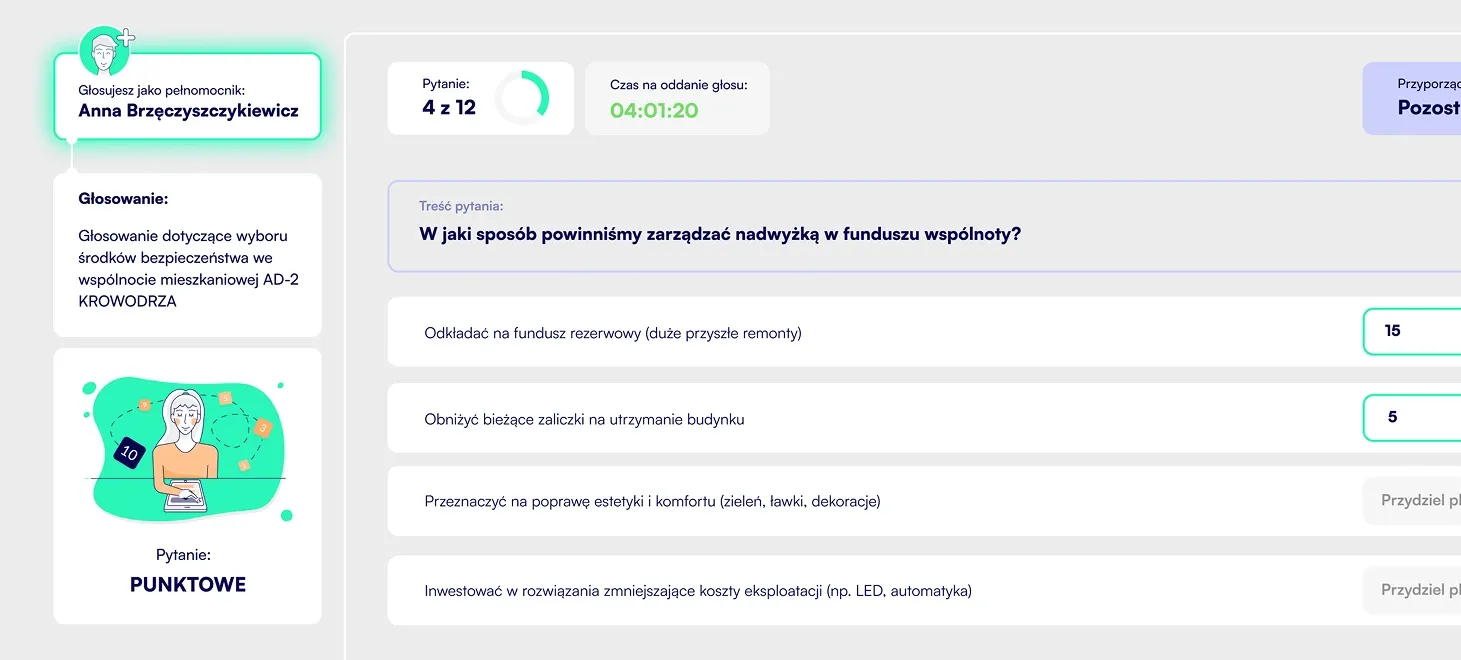
Run professional voting

Secret, public, or point-based — every voting type is fully compliant with your organization's statutory requirements. Quorum is calculated automatically, results are available in real time, and the entire voting process is documented in a PDF report.

Image

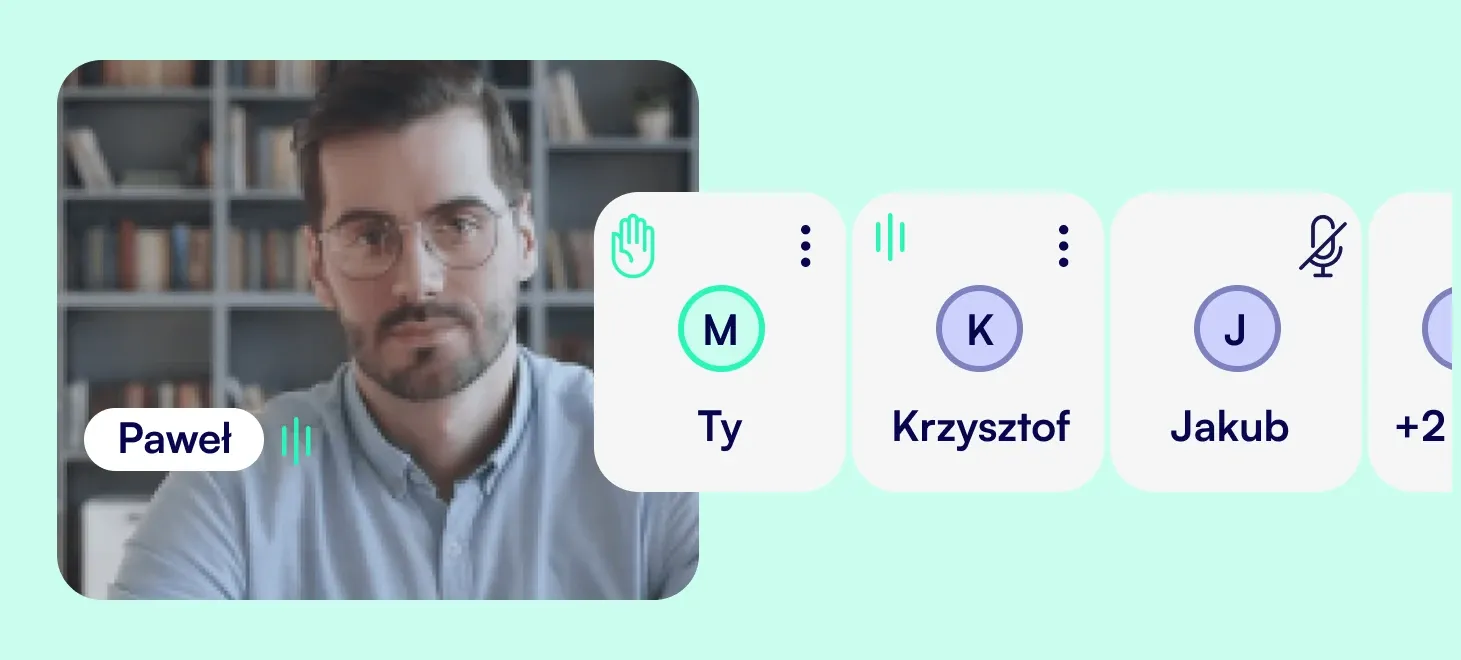
Connect and communicate with others

Built-in video conference with live chat — discussions and voting happen without switching between apps. You can launch video and chat together or separately, depending on the needs of a given meeting.

Image

Export reports from your events

The ready PDF report contains the participant list and all voting results. You can download it immediately after the event ends — ready for archiving or sharing with your organization's authorities.

Image

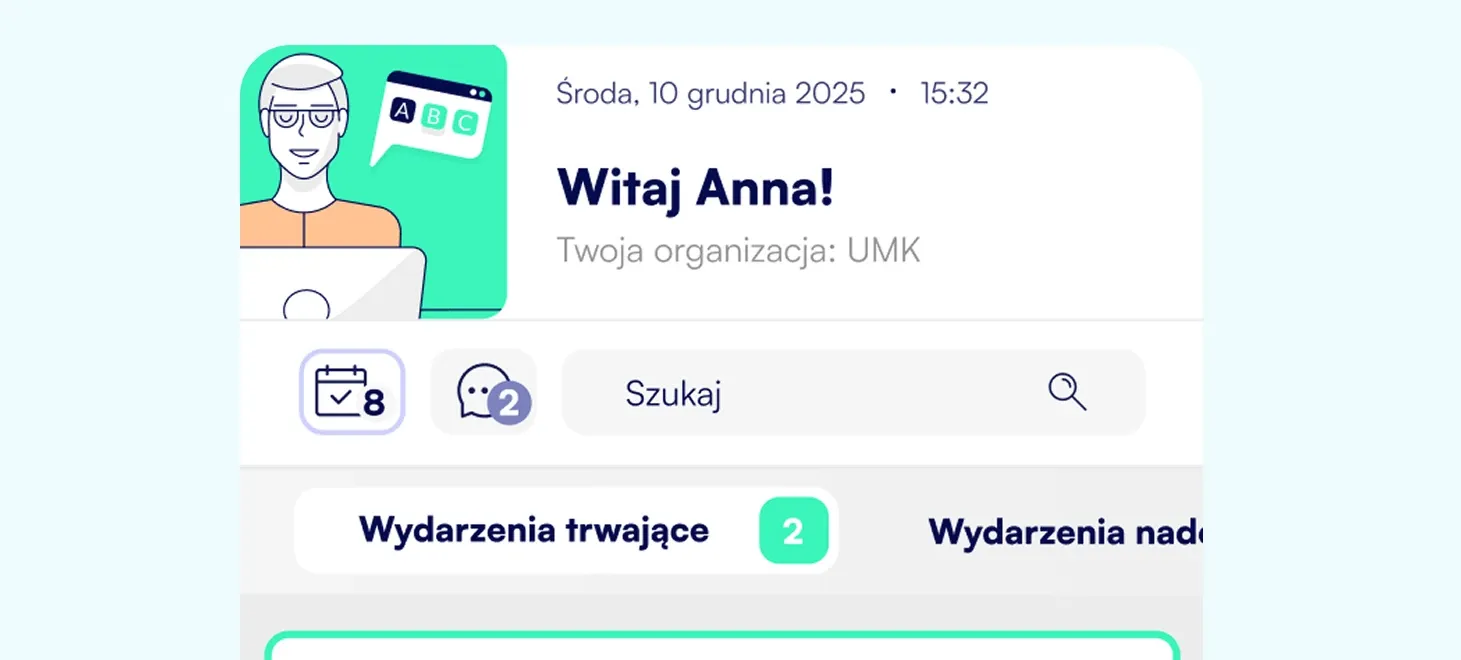
Keep all your events under control

Preview ongoing and upcoming events in one place. You always know what is happening in your organization — without logging into each event separately and without getting lost in meeting history.

HOW IT WORKS

From setup to launch in minutes.

Wizard, CRM panel, and a ready-to-go event — step by step.

Image
Configuration

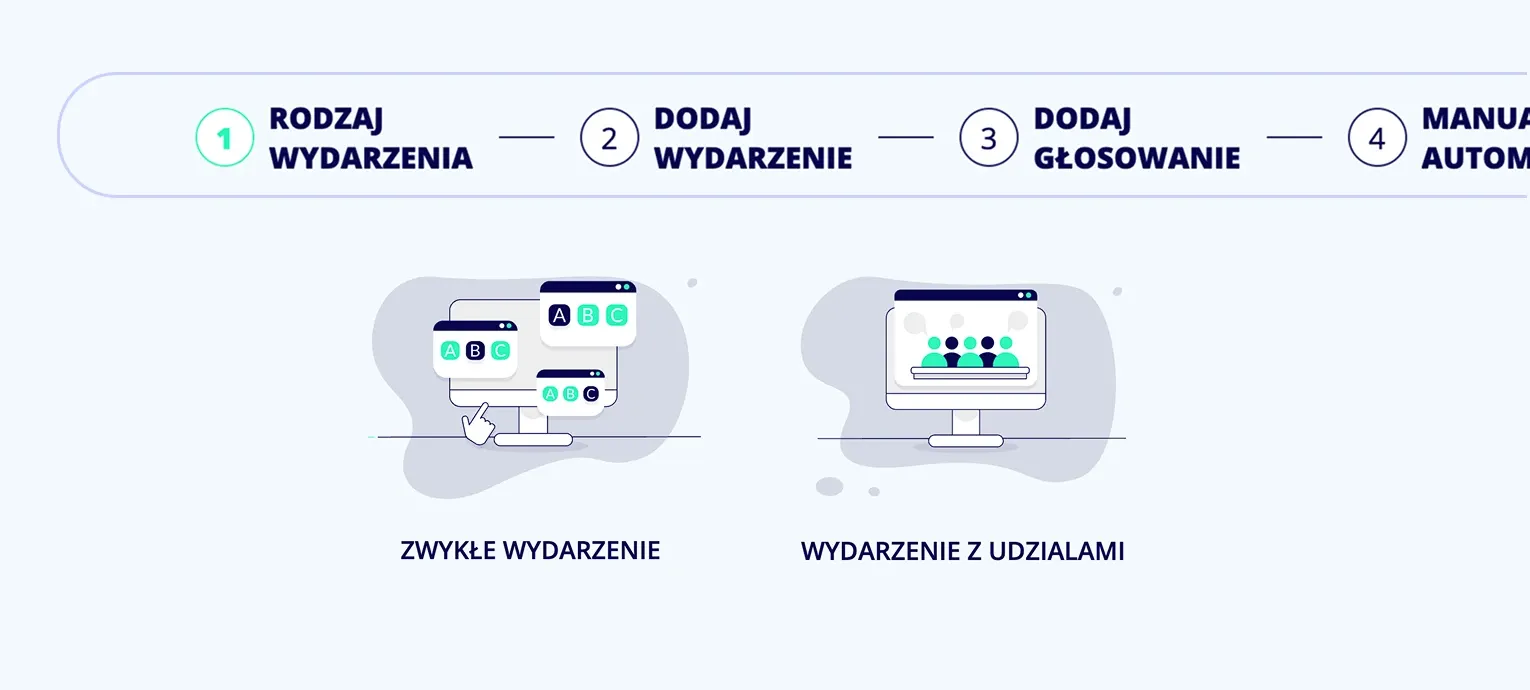
Create an event in a few steps

The wizard guides you through the entire process: choose the event type, enter its name and duration. Add the first vote and set launch options. A regular event or an event with shareholder shares is configured in the same simple way. At the start, you can create 2 test events completely free of charge.

Image
Agenda

Plan the meeting item by item

Add agenda items with exact time frames, assign votes to them and attach documents. Participants see the agenda live in their app, so they always know what is being discussed now and what is still ahead.

Image
Voting

Add votes and assign questions

Create YES-NO votes for resolutions or surveys for multiple-choice decisions. Assign questions, set quorum, decide on visibility and launch method. While the event is running, you can add new votes and questions at any time.

Image
Participants

Invite participants and assign roles and permissions

Add participants one by one or import groups from a list. Assign each person a role: regular participant, observer or proxy. Choose the authorization method that matches your organization requirements.

Image
Additional services

Video, chat and reports in one place

For every event, you can add a video conference with live chat and order a PDF report with complete voting documentation. You enable additional services only when you need them and pay only for actual usage.

Image
Launch

Start the event with one click

When everything is ready, you launch the event and invitations are sent to participants automatically. From that moment, you have full visibility into the meeting flow, can start and end votes and respond in real time.

COST CALCULATOR

Want to know how much your event will cost?

Configure a tool matched to the scale of your operations. Use the calculator to plan your budget precisely, without hidden costs.

Everything you need

See other features

Image
Image
10
9
5
3
1

Create your first events

Test Wyborek with

2 free events